Divi Engine Support With Atlassian
Introduction
Follow these steps to learn how to receive support through Divi Engine's Atlassian account.
Your Email Or Atlassian Account?
Decide where you would like to receive support, through your email or using your own Divi Engine Atlassian account.
- Own Email: If you decide to use your own email then submit a ticket using your email and reply through your email.
- Divi Engine Atlassian Account: If you would like to create your own Atlassian Account then do so HERE and follow the steps below to learn how to use your new Divi Engine Atlassian account.
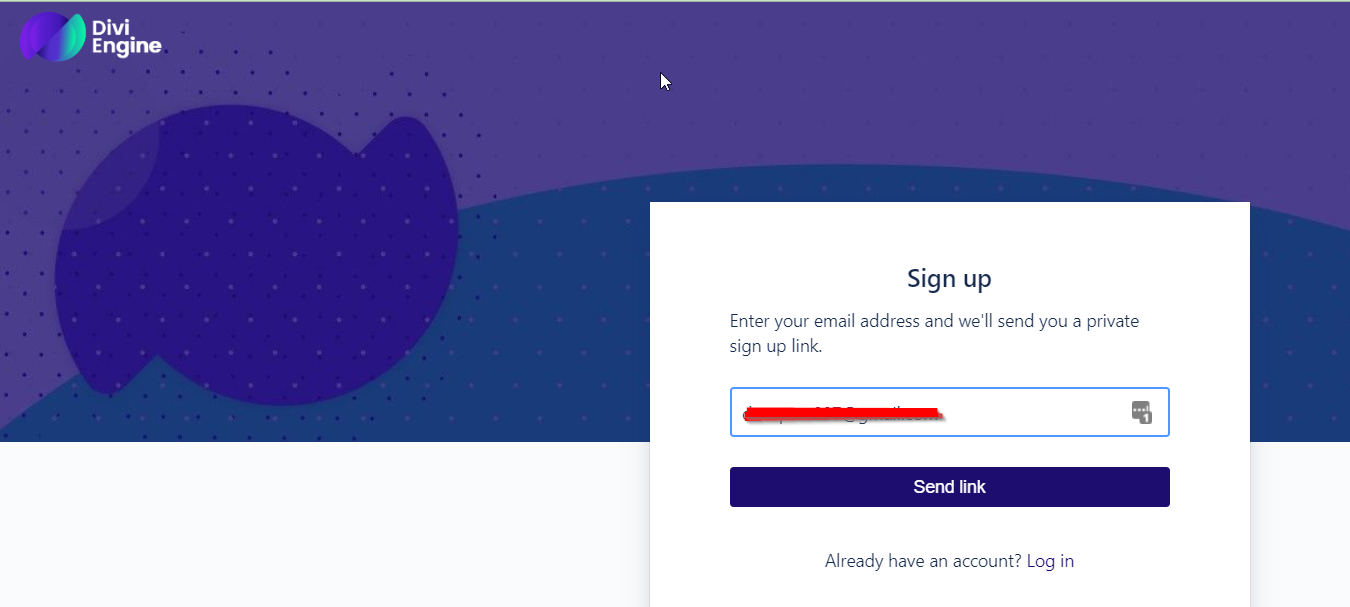
Step 1: Enter Email Address
Click HERE and email your email address
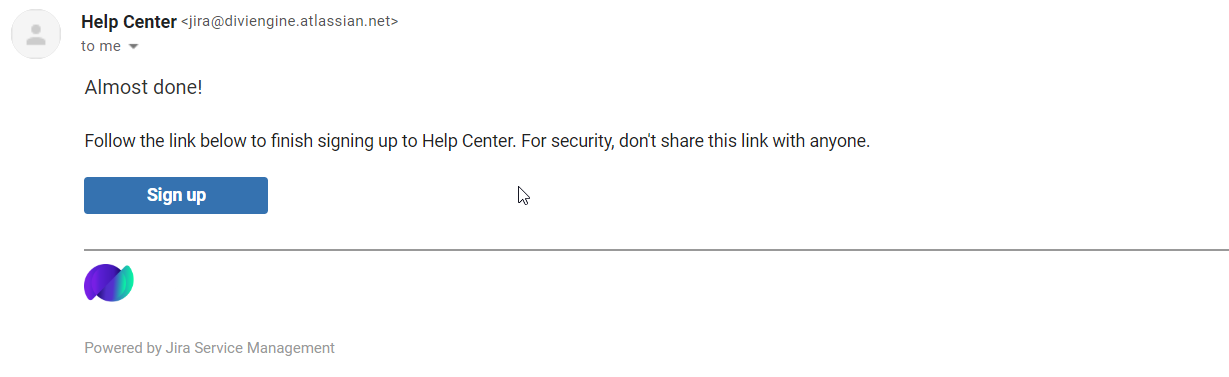
Step 2: Click Sign Up
Open your email and click the "Sign Up" button in the email sent to you.
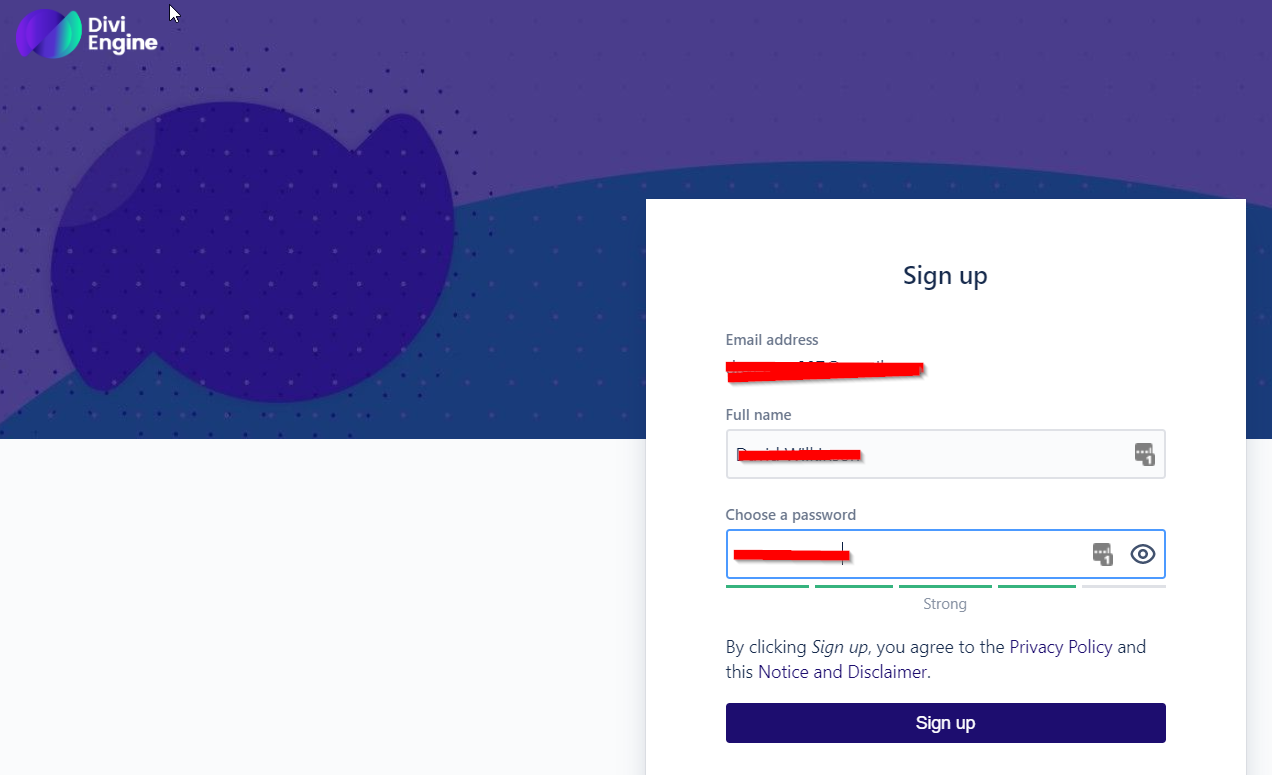
Step 3: Enter Your Name & Password
Complete the signup with your name and password.
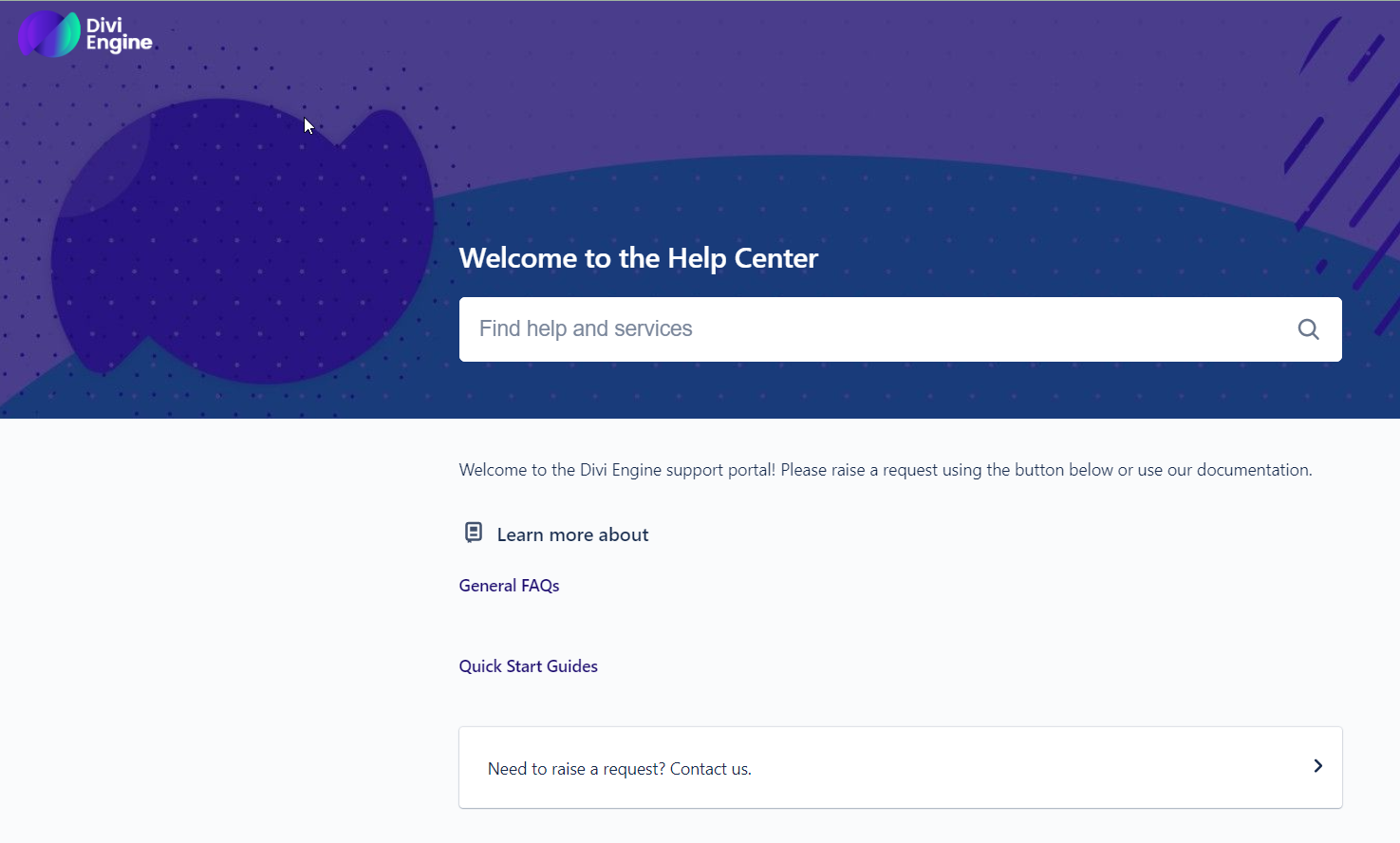
Step 4: Send Tickets & View Docs
Send a ticket from your new account and account our documentation.
- Divi Engine Documentation Website: Atlassian only contains a few docs, please click HERE to access all docs.
- Your Divi Engine Atlassian Account: Click HERE to access your Divi Engine Atlassian. Please save this in your browser.
Step 5: View & Reply To Your Tickets
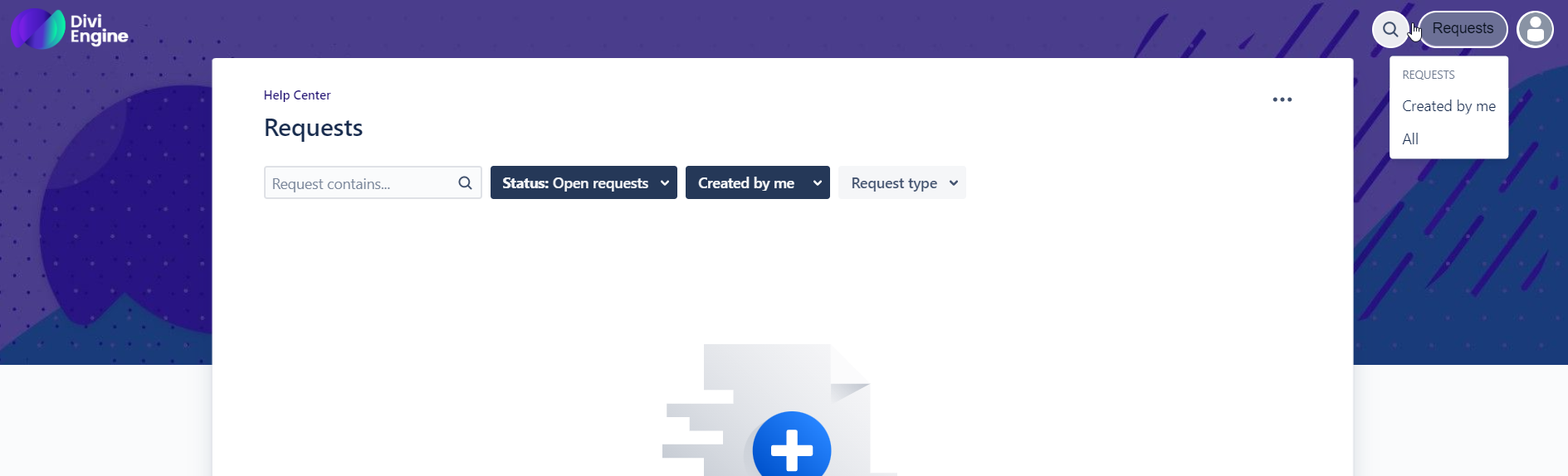
To view and reply to your tickets click the "Requests" button at the top right-hand side of your screen.