How To Remove WooCommerce Added To Your Cart Notice?
Introduction
To remove the WooCommerce notices.
Remove Notice
Using CPANEL, SMTP or another method, add the following code into the functions.php file to remove the WooCommerce notice.
add_filter( 'wc_add_to_cart_message_html', '__return_false' );
Edit Notice
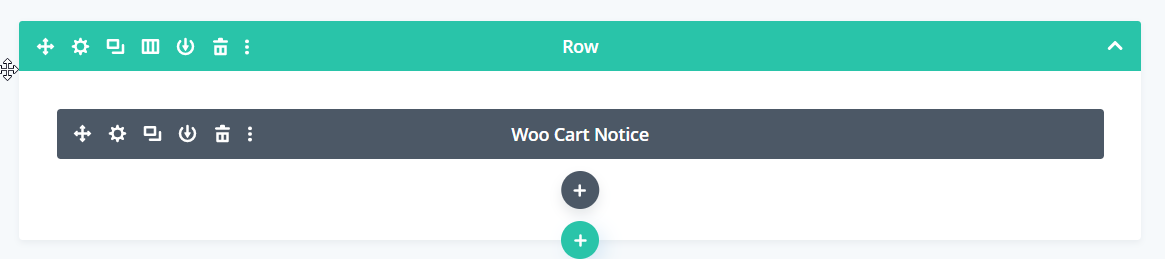
Use the Divi builder module to add and style the WooCommerce notice elsewhere on your website