Thumbnail Image On Hover
Introduction
Follow these steps to edit your Thumbnail Image on hover.
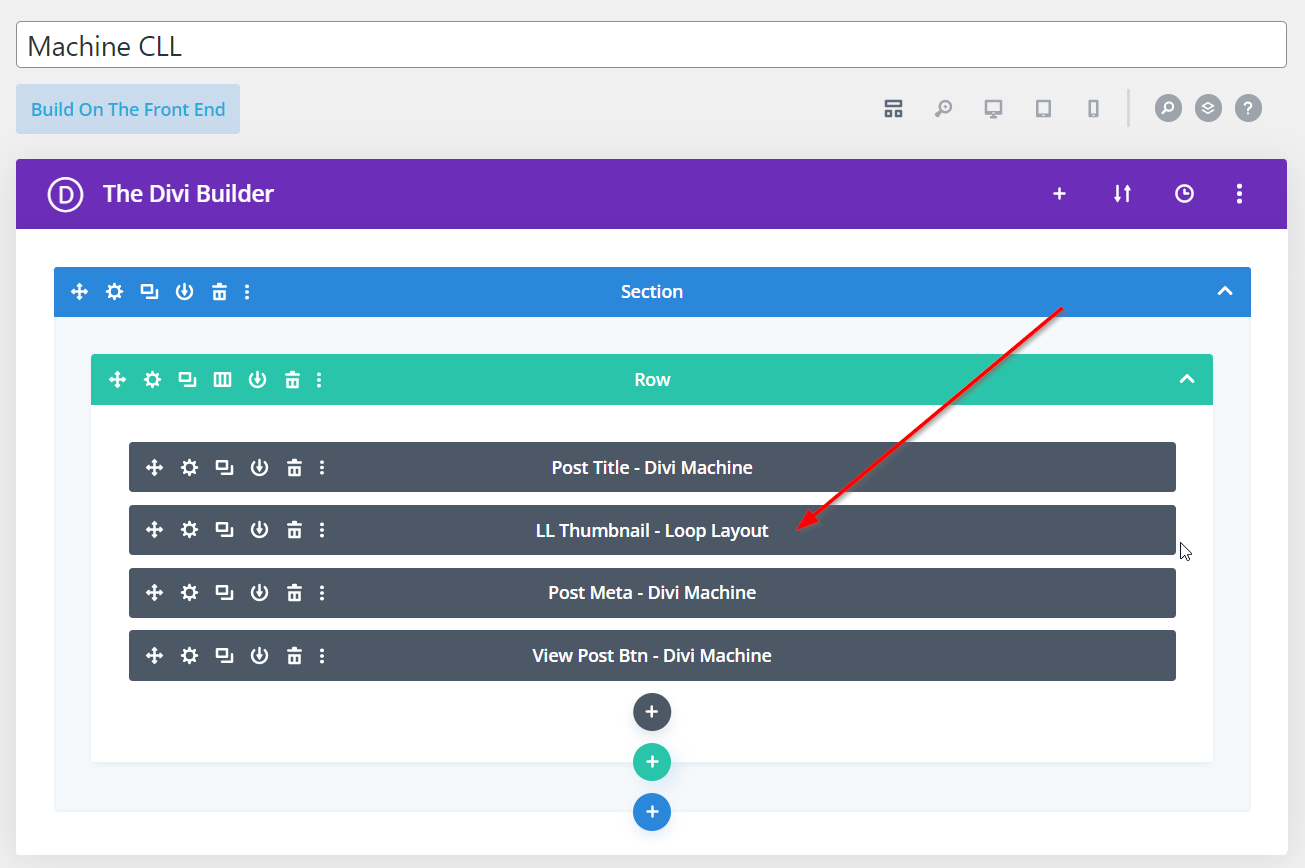
Step 1: Add Thumbnail Module
Add the Thumbnail module to either a single post template in the Divi Theme Builder or a Custom Loop Layout.
Step 2: Edit The Module On Hover
Currently, you have four options for editing the module on hover.
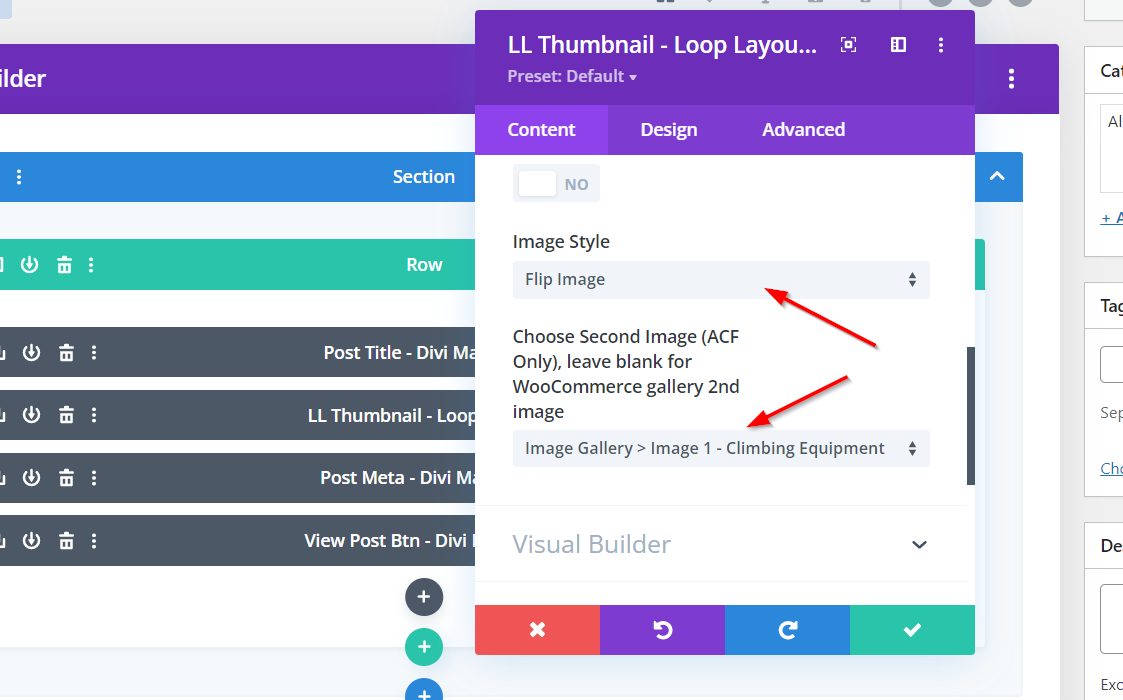
- Show another image on hover.
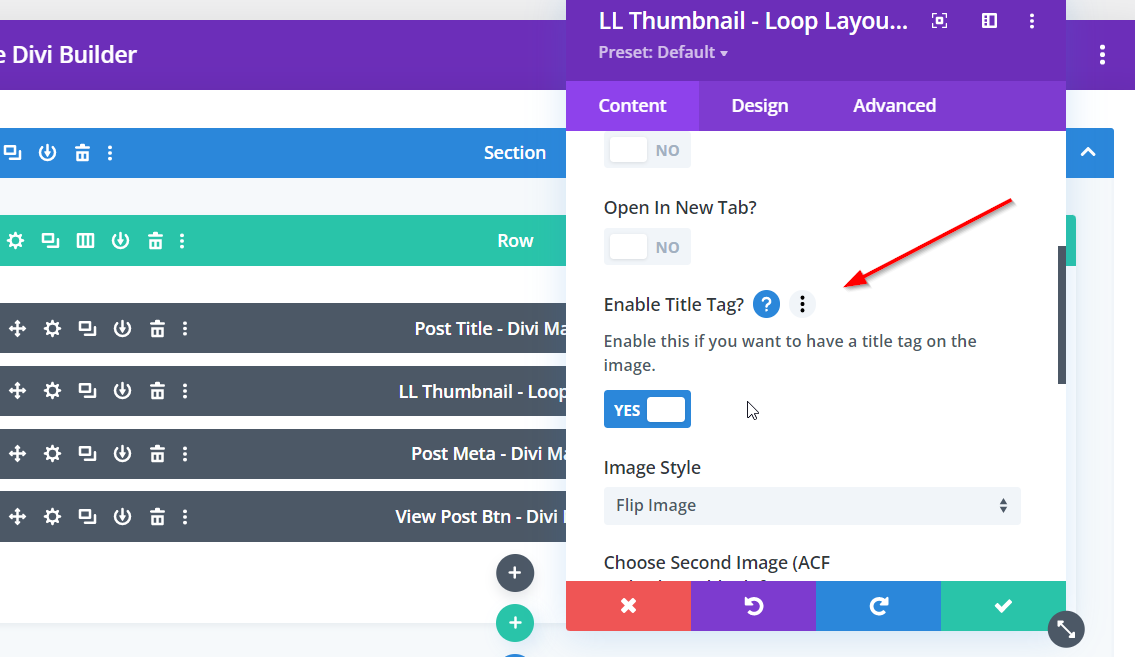
- Show the title tag on hover.
- Show an overlay on hover.
- Show no overlay on hover.
Show Another Image On Hover
Create an ACF Image field in ACF, add images to this field in your posts and then select it from the list in the Second Image field.
Show Title Tag On Hover
Enable the Title Tag button to show the title tag on hover.
Show Overlay On Hover
Show an overlay on hover by selecting the Default Image Style.

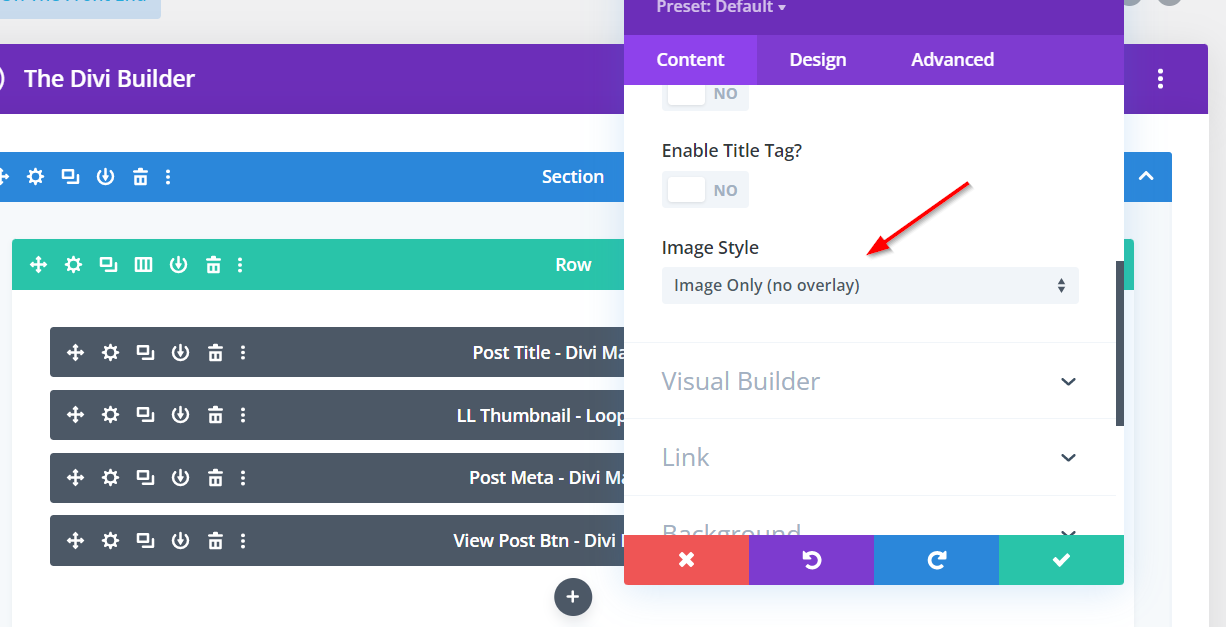
Show No Overlay On hover
Show no overlay on hover by selecting the Image Only Style.