Posts With Specific Taxonomy/Taxonomies
Introduction
Follow these steps to display a loop of a specific taxonomy or taxonomies through the Archive Loop Module and Post Carousel Module.
Archive Loop Module
Step 1: Add Archive Loop Module
Add the Archive Loop module to your posts, pages, projects, Divi Library layouts and/or Theme Builder templates.

Step 2: Select The Post Type & Custom Loop Layout
Go to the Main Options, select the Post Type and Custom Loop Layout.
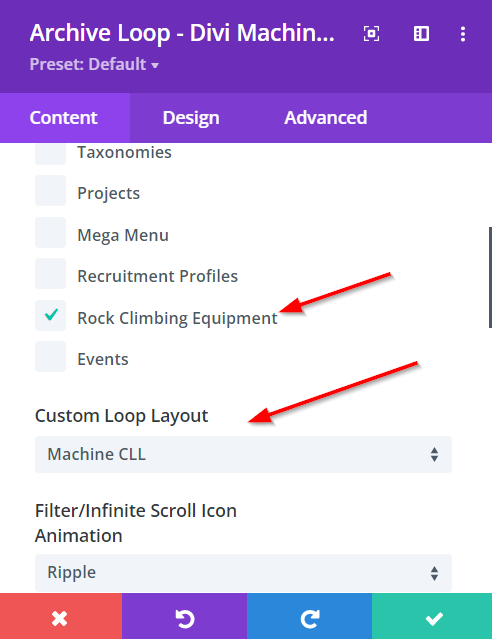
Step 3: Include Taxonomy/Taxonomies
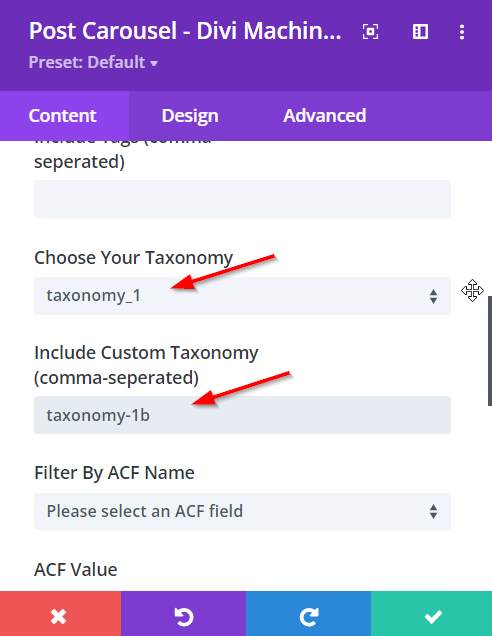
Inside the Loop Options, select your Taxonomy and include one or more URLs (separated by a comma) inside the Include Custom Taxonomy slug field. This will remove all posts that are not part of this taxonomy or taxonomies.
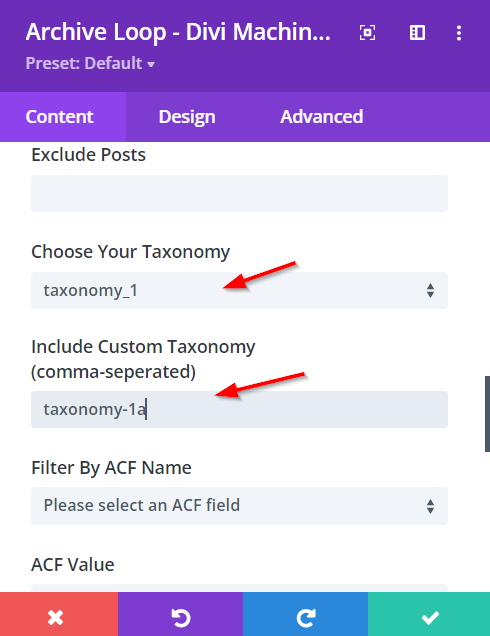
Post Carousel Module
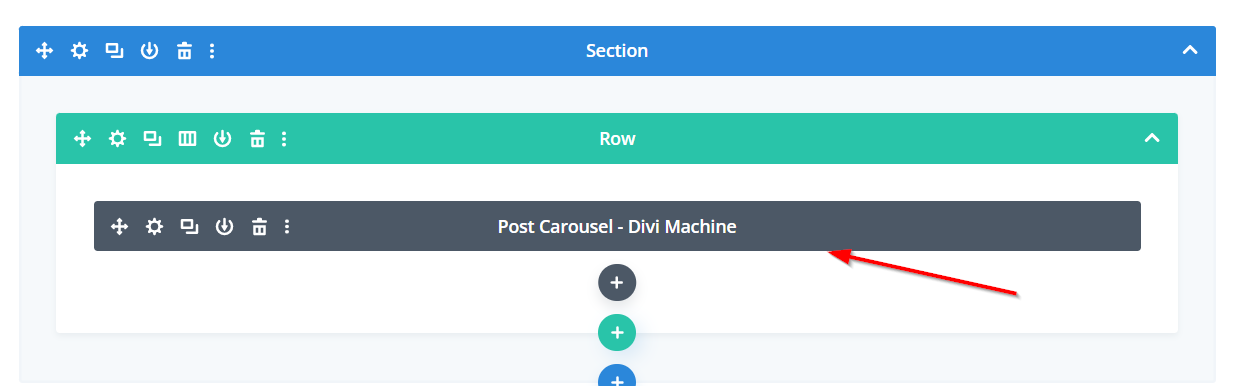
Step 1: Add Post Carousel Module
Add the Post Carousel module to your posts, pages, projects, Divi Library layouts and/or Theme Builder templates.
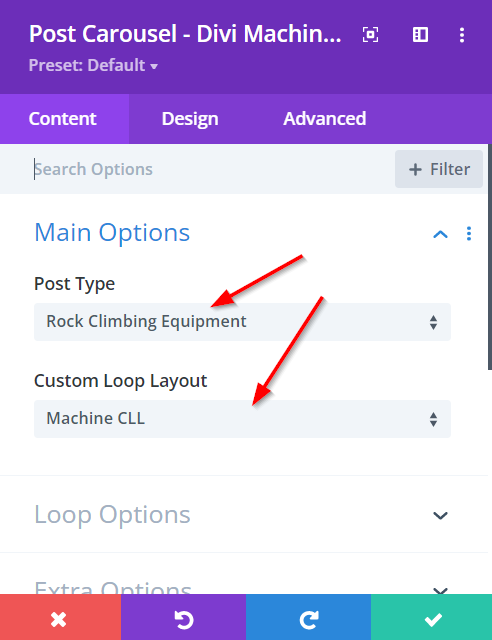
Step 2: Select The Post Type & Custom Loop Layout
Go to the Main Options, select the Post Type and Custom Loop Layout.
Step 3: Include Taxonomy/Taxonomies
Inside the Loop Options, select your Taxonomy and include one or more URLs (separated by a comma) inside the Include Custom Taxonomy slug field. This will remove all posts that are not part of this taxonomy or taxonomies.