ARP Category Loop: How To Add & Style A Category Loop?
This how-to uses Divi 4 module names and screenshots. On Divi 5, see Category Loop.
Introduction
Follow this information to add and edit the ARP Category Loop module. This module displays your product categories.
Step 1: Create Categories
Create product categories (and subcategories if need be).
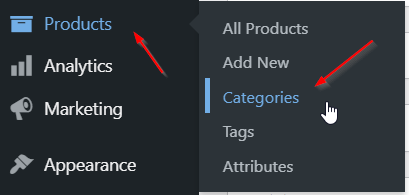
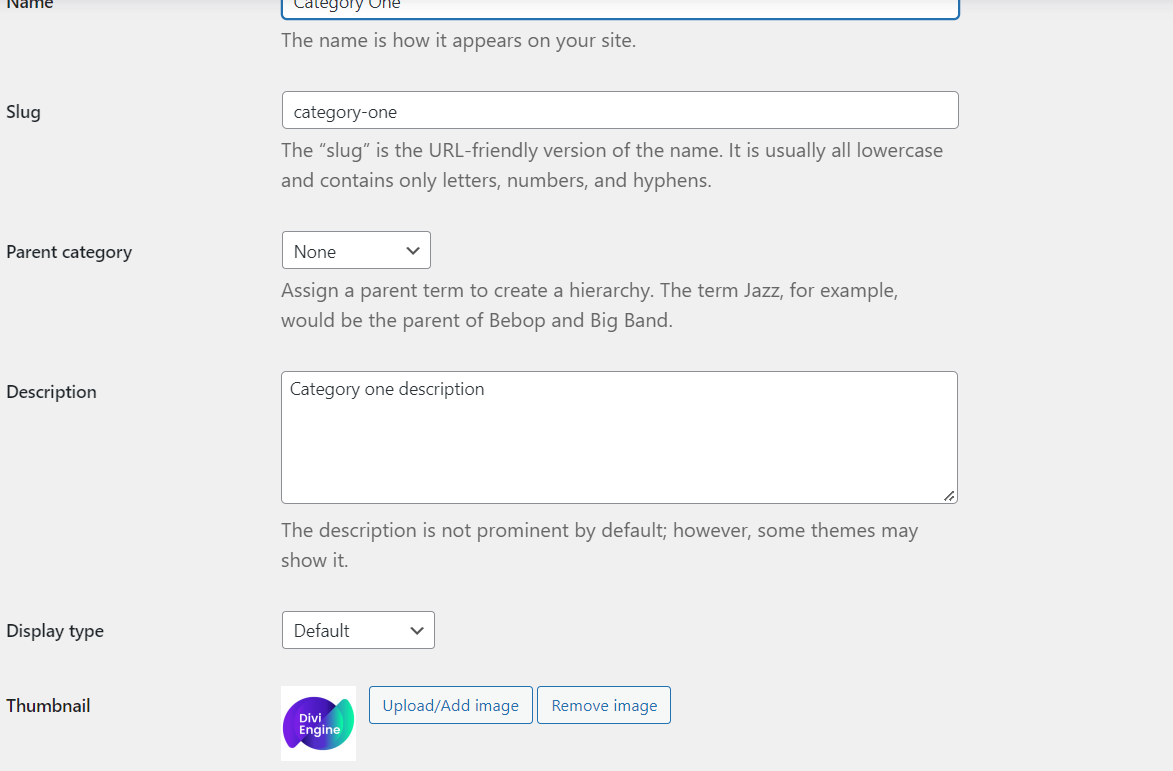
Step 2: Add Category Information
Open up each category and add a description as well as a featured image.
Step 3: Add The ARP Category Loop Module
Make your way to your SHOP page and add the Category Loop module.
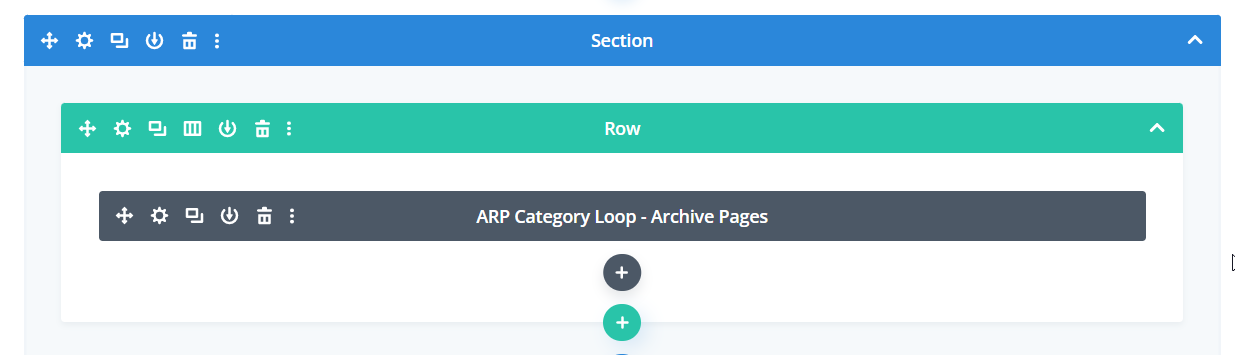
Step 4: Customize The ARP Category Loop Module
Default Style
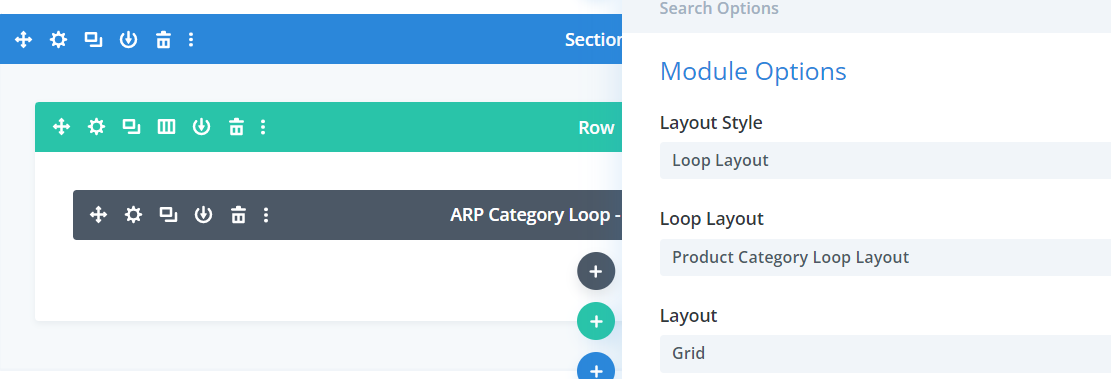
If you would like to use the Default style then go to the Module Options and select Default as the "Layout Style."
Loop Layout Style
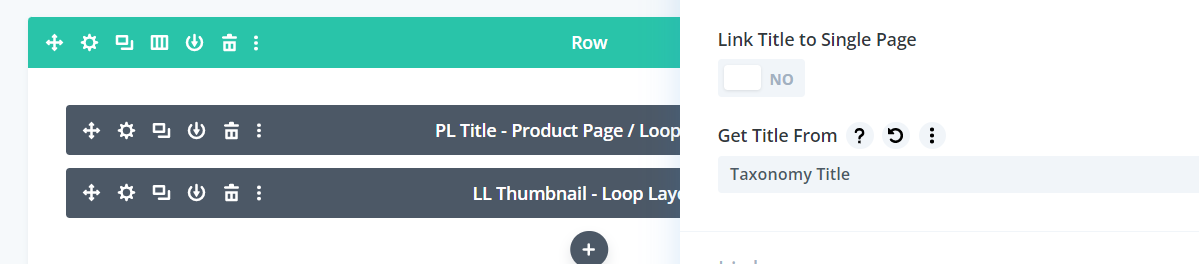
If you would like to use a Custom Loop Layout then create one in the Divi Library adding the Thumbnail module and Post Title module. Inside the Post Title module please select "Taxonomy Title" from the "get Title From" field. Select this layout in the Category Loop module.