CHP After Customer Details: How To Add & Edit Code Hooked Into WooCommerce After Customers Details?
Divi 5 equivalent
This how-to uses Divi 4 module names and screenshots. On Divi 5, use After Customer Details.
Introduction
Follow this information to add and edit the After Customer Details module. This module adds the code that is hooked into the woocommerce_checkout_after_customer_details action.
Step 1: Build A Checkout Layout
Head over to Divi > Library and create a checkout layout by adding CHP modules such as the CHP After Customer Details module.
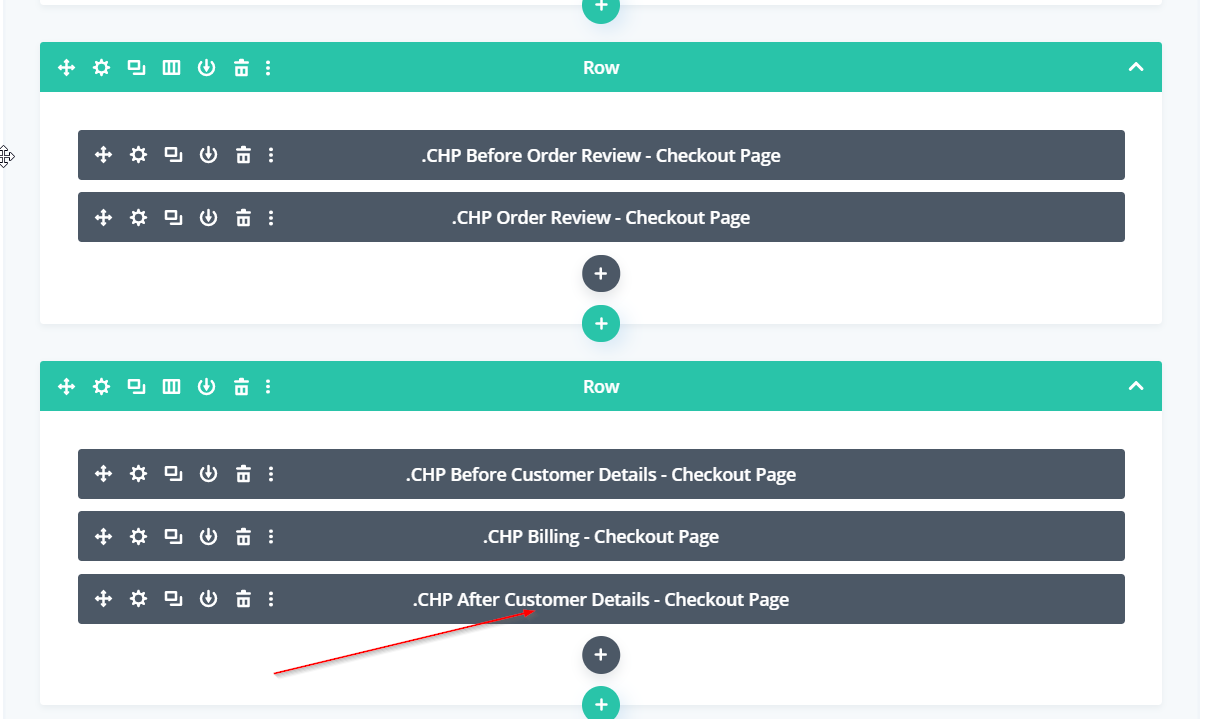
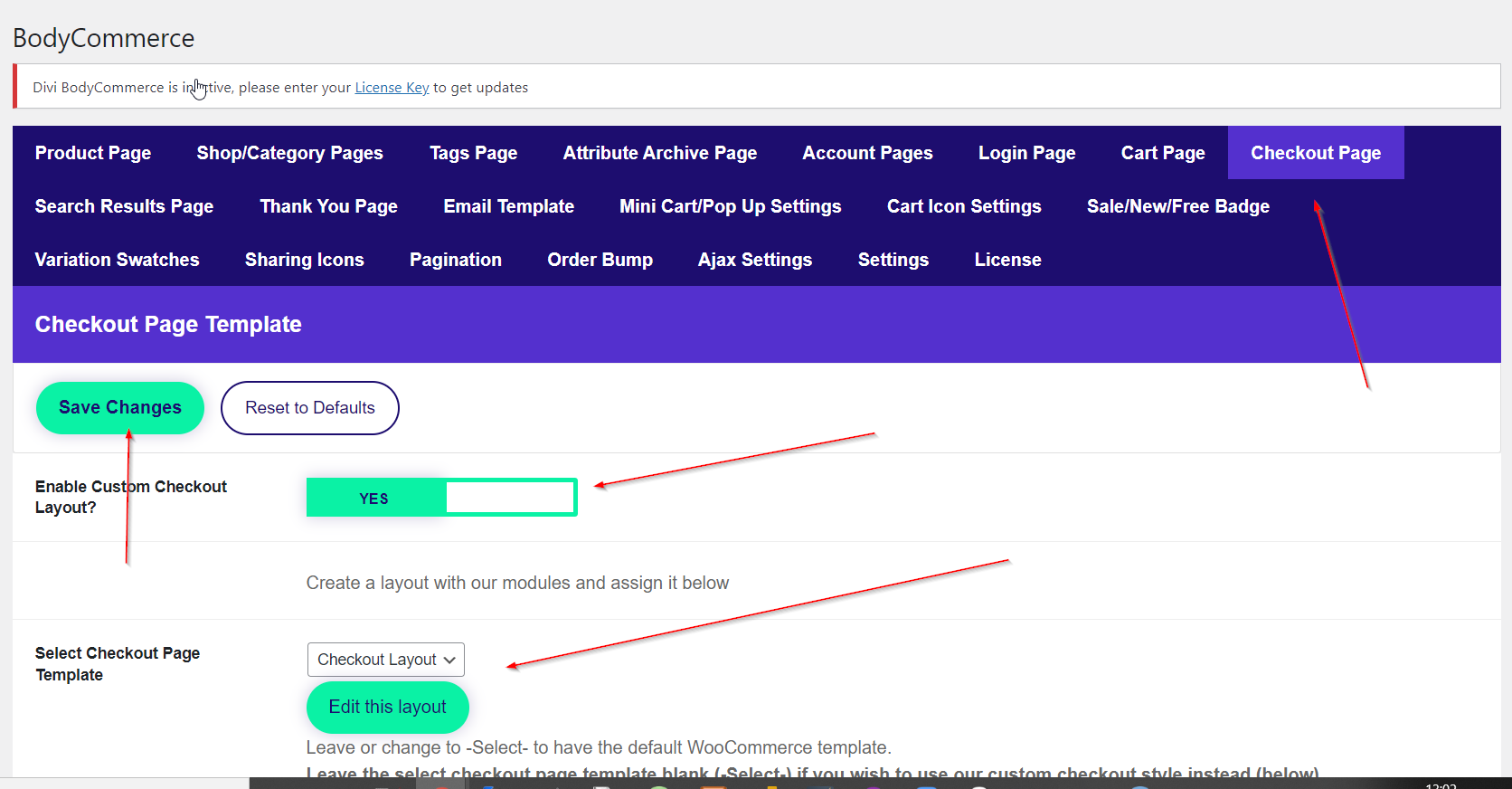
Step 2: Assign This Layout In BodyCommerce
Go through to BodyCommerce > Checkout Page and assign this module in the Select Checkout Page Template.
Step 2: Edit The CHP After Customer Details Module
Edit the After Customer Details module using the settings provided.