G Action/Shortcode: How To Add & Style Action A Shortcode?
Divi 5 equivalent
This how-to uses Divi 4 module names and screenshots. On Divi 5, use Action Shortcode.
Introduction
Follow this information to add and edit the Action/Shortcode module. This module renders the action or shortcode that you add. This is particularly helpful when you have another plugin that you need a feature for, add this module and you can have full control. This module works on any page.
Step 1: Add The G Action/Shortcode Module To Page
Add the module along with the Action Name and Shortcode Name with the sqaureHead over to Divi > Library and create a cart page layout by adding CP modules such as the .CP Cart Totals module.
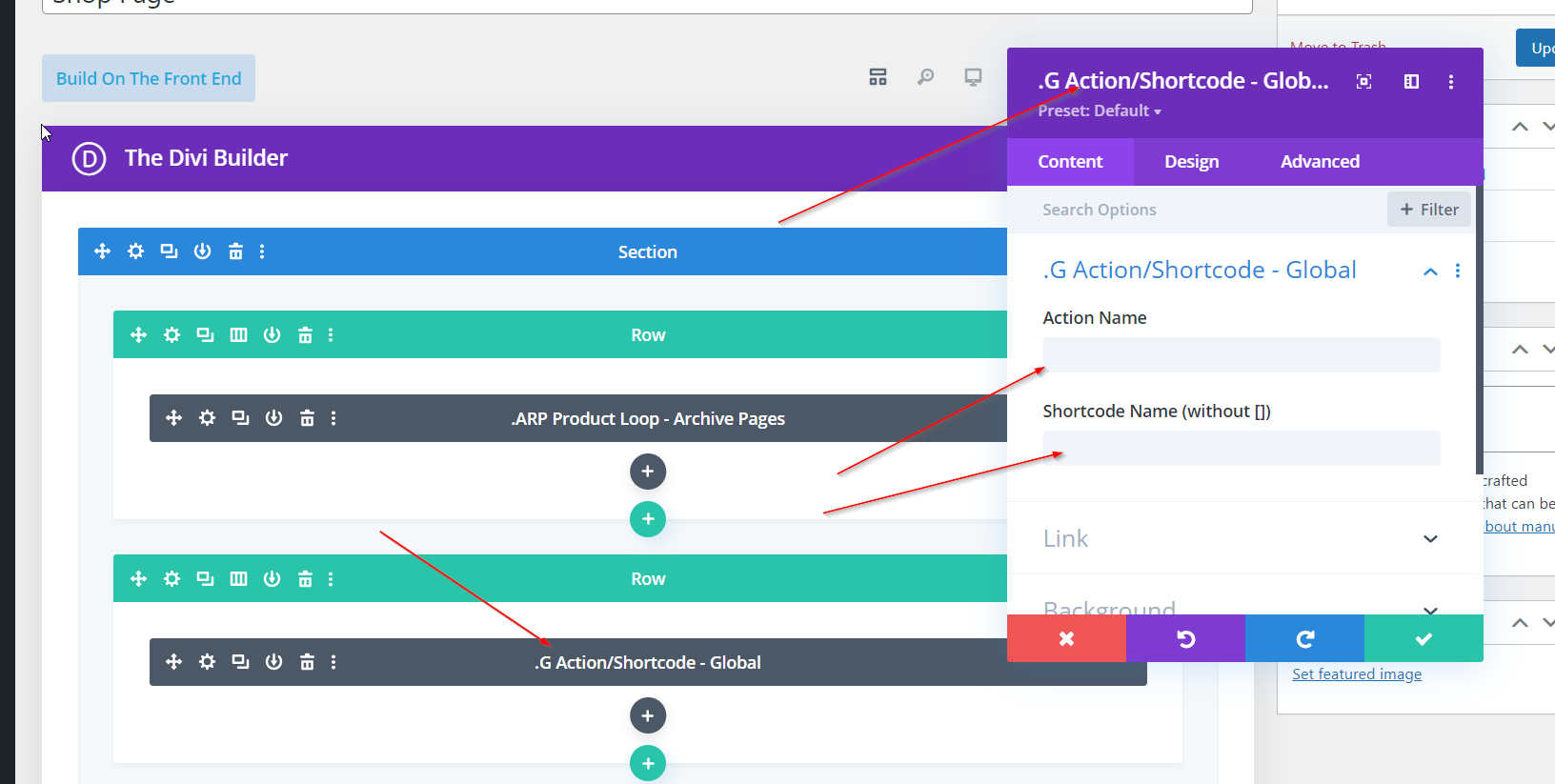
Step 2: Edit The G Action/Shortcode Module
Edit the Action/Shortcode module using the settings provided.