Step 13: Build The Checkout Page
Watch This Video
Introduction
Follow this information to create a Checkout page.
Premade Layout
Divi BodyCommerce provides you with multiple ways of building the checkout page for your online store. You can either build a layout in the Divi Library using relevant modules (CHP modules) or you can use the Multi-Step, Accordion, One Page, Payment Right or Shopify methods.
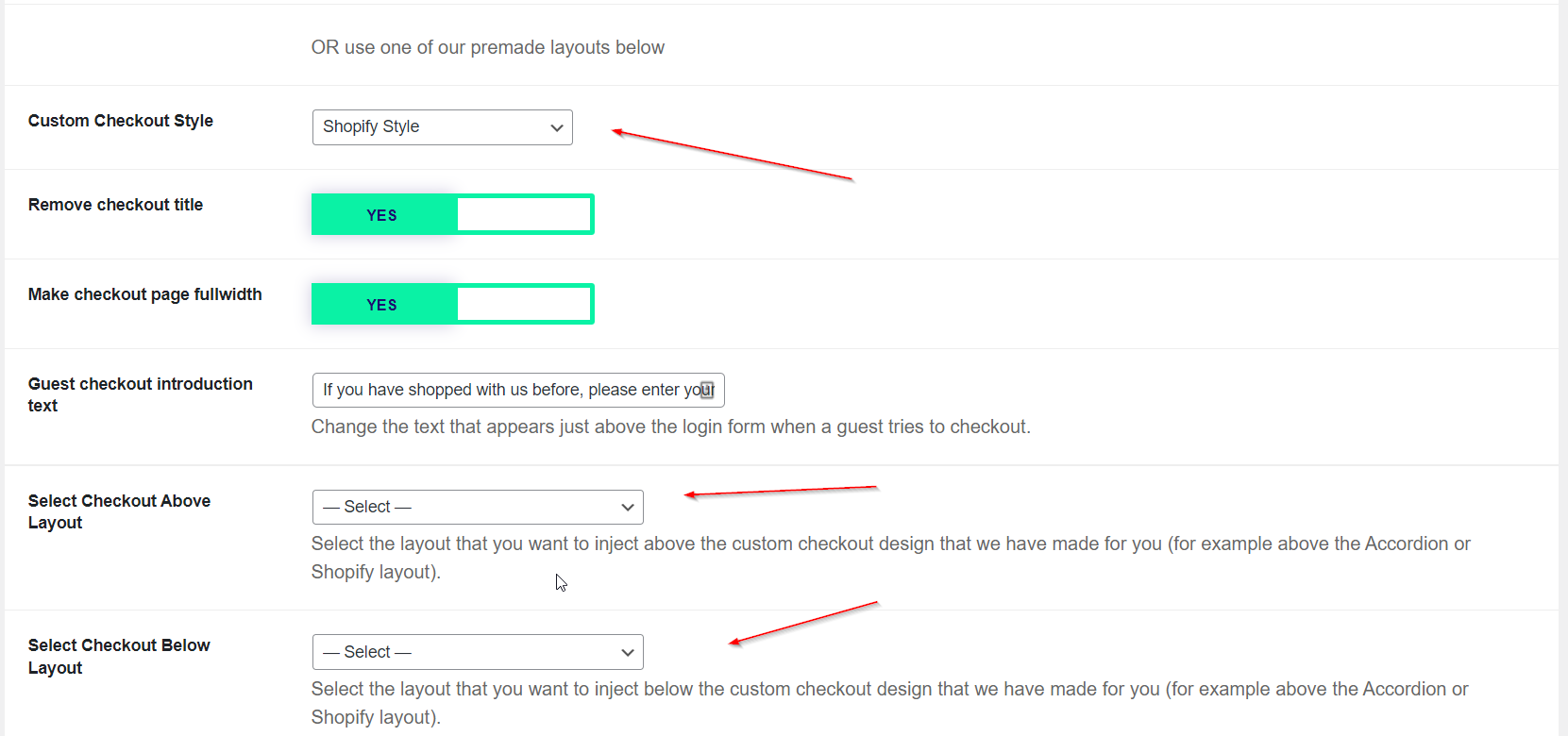
Shopify Example
Build A Custom Checkout Page
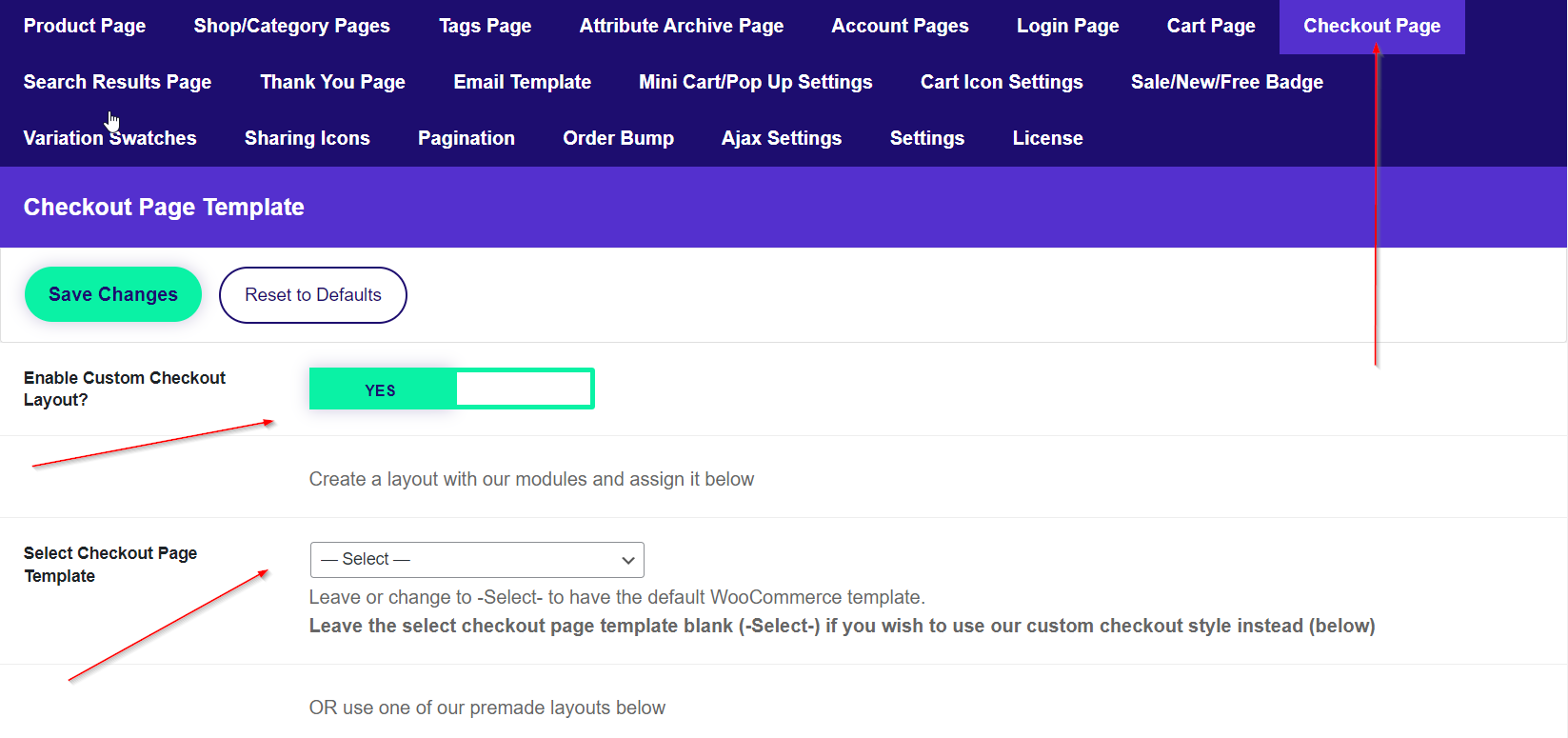
If you would like to build your own checkout page then head over to your Divi Library and create a layout called, "Checkout Page." Add modules to this layout such as these found HERE. After building this layout, assign it in the Checkout Page section of Divi BodyCommerce.
Checkout spam protection
To reduce bot and spam submissions on checkout, enable Checkout spam protection under Divi Engine → Divi BodyCommerce → Checkout. This adds honeypot checks, minimum-time validation, rate limiting, and optional logging with an admin log viewer. See Checkout spam protection for full settings and the log viewer.