Enable Or Disable "All" Option
Introduction
Follow these steps to scroll to enable or disable the All option.

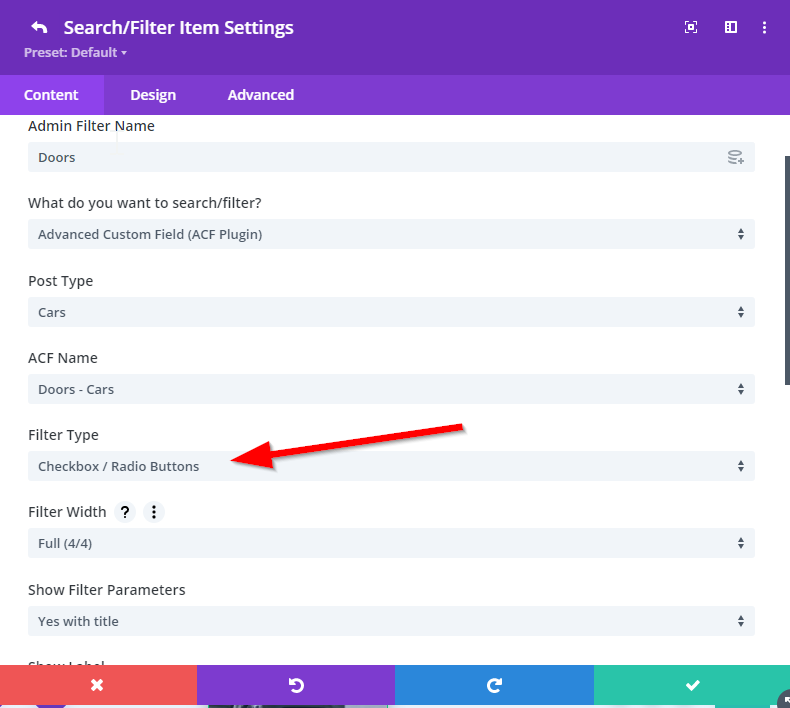
Step 1: Choose Filter Type
Make sure you choose the Checkbox / Radio Filter Type.
Step 2: Select All Or Hide All
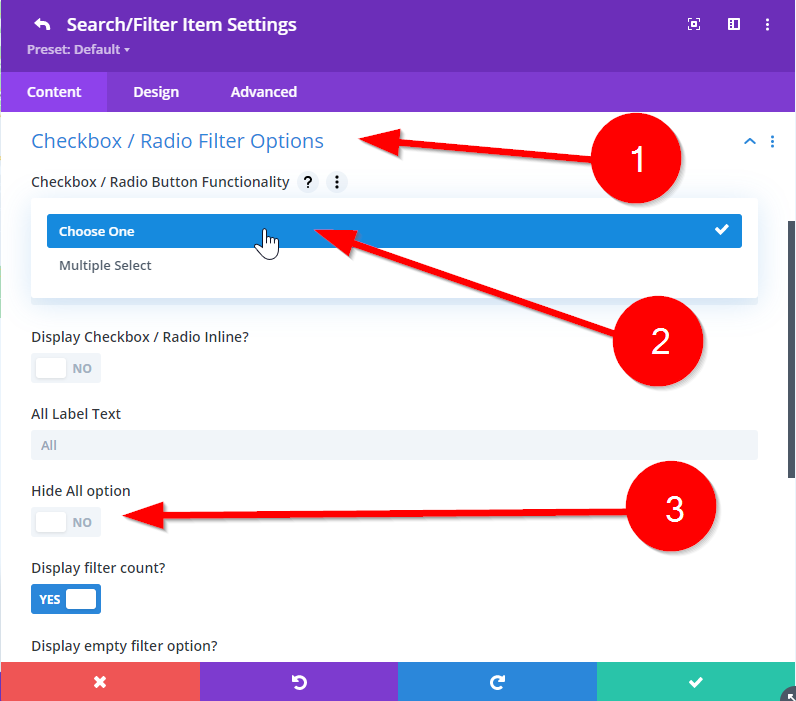
The next step is to head down to the Checkbox / Radio Filter Options tab and select Choose One from the Functionality dropdown. If you want to hide all then enable the High All Option.