Pagination
Introduction
Follow these steps to set up pagination.
Default Pagination
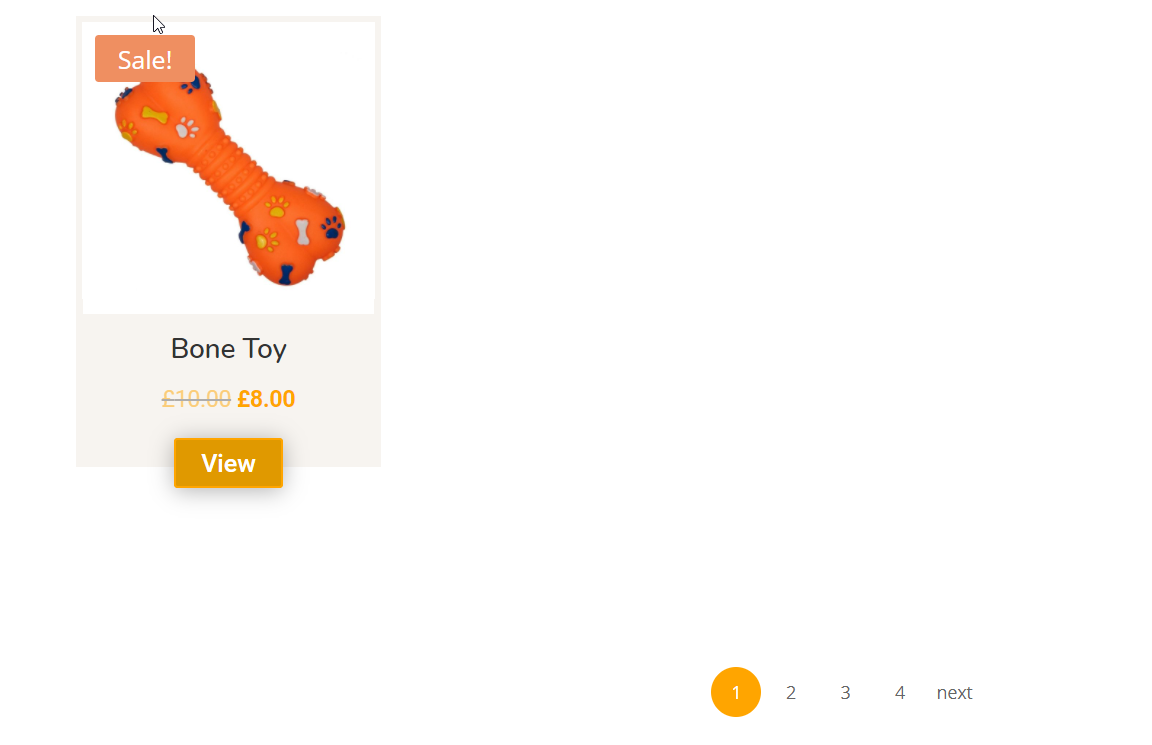
Be default the ARP Product Loop Module has a pagination style as seen below.
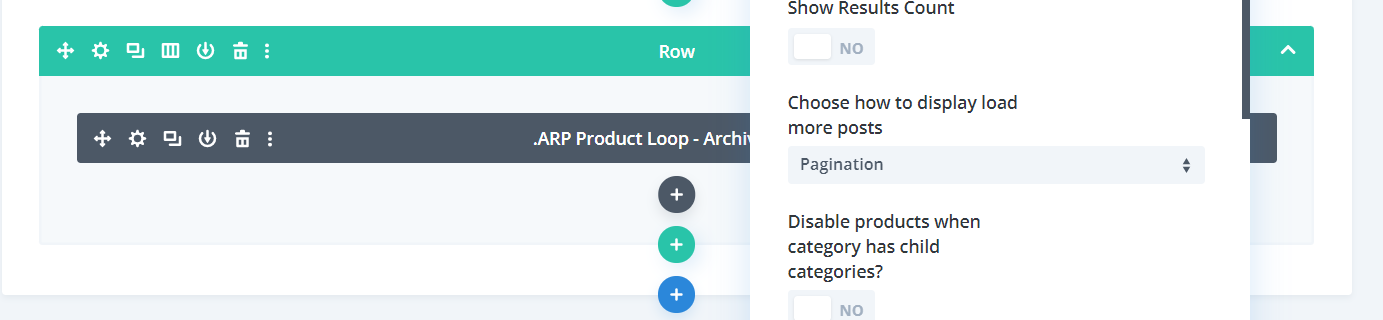
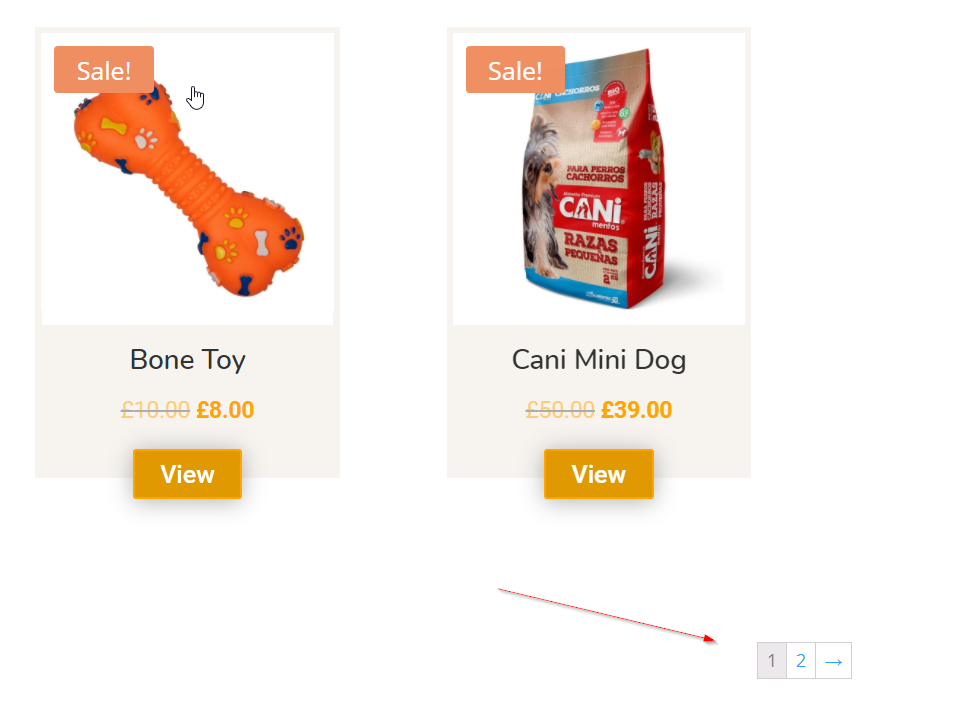
BodyCommerce Pagination
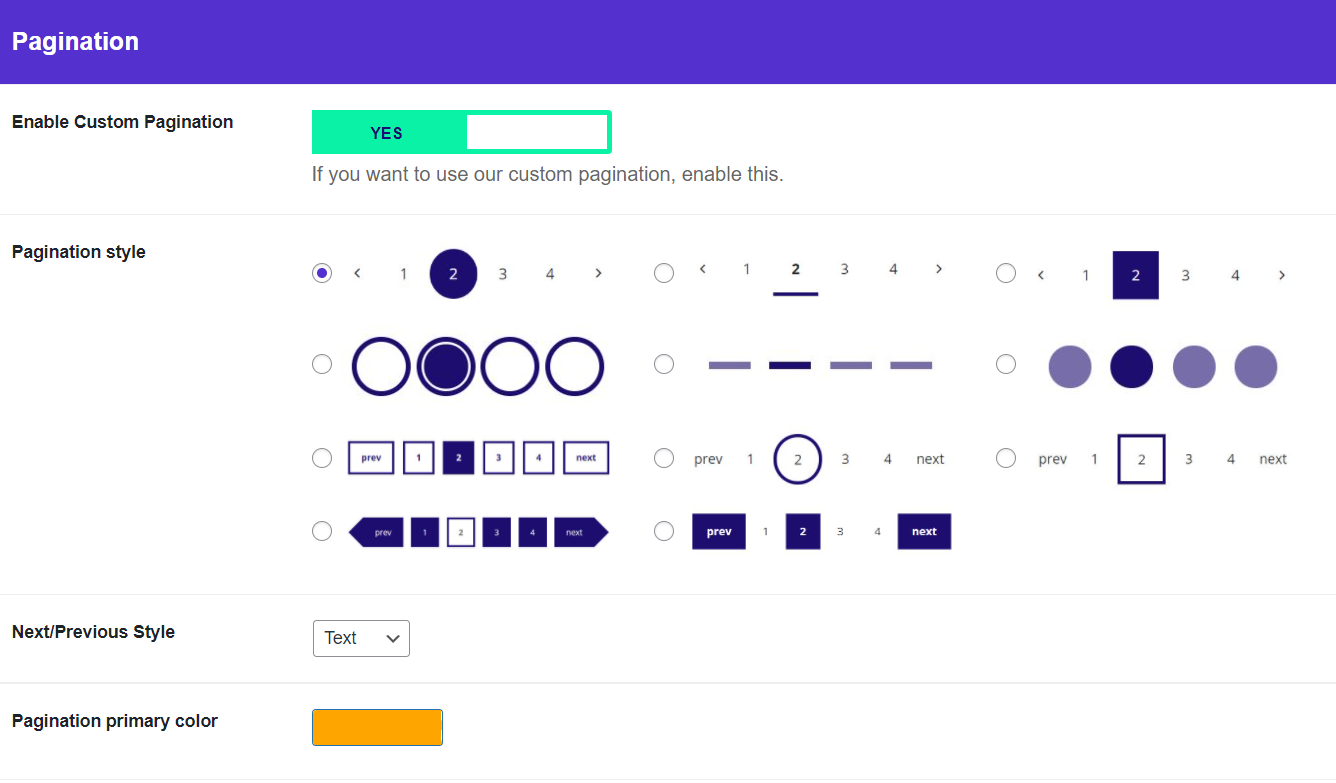
If you would like to style your product loop's pagination then go to BodyCommerce > Pagination and enable custom pagination. After doing this, work through the options described below.
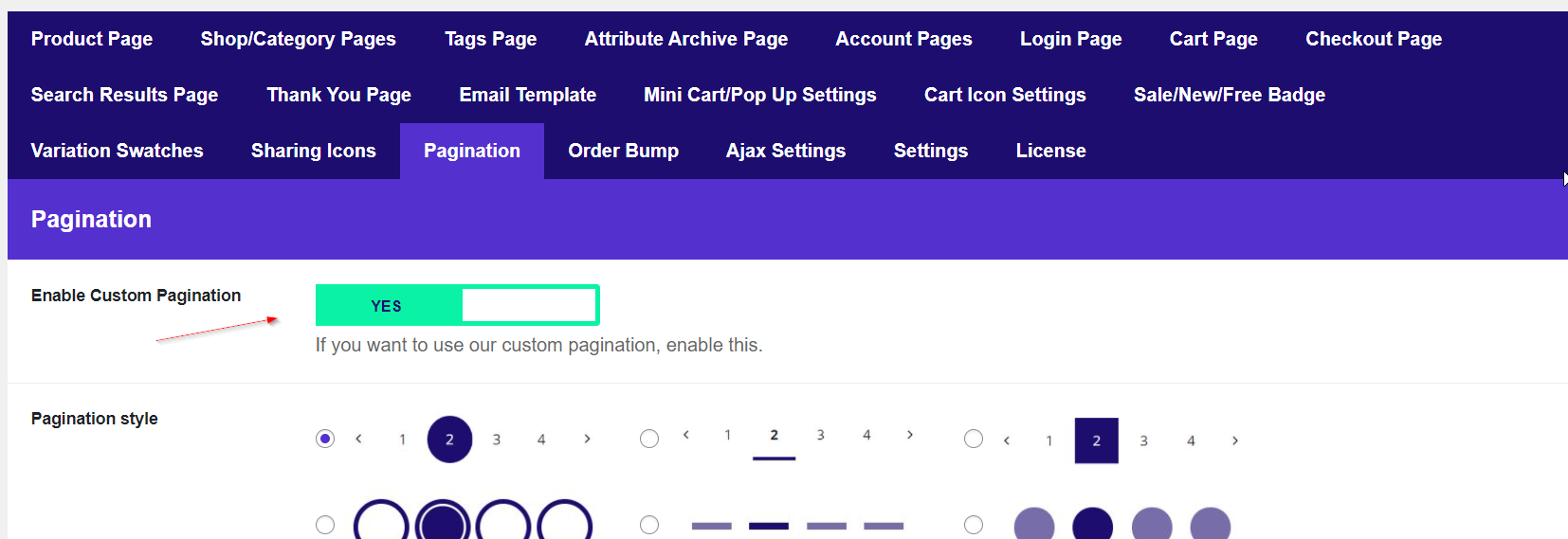
- Pagination style: Select your pagination style.
- Next/Previous Style: Select if you would like arrows or text.
- Pagination primary colour: Select your pagination primary colour.
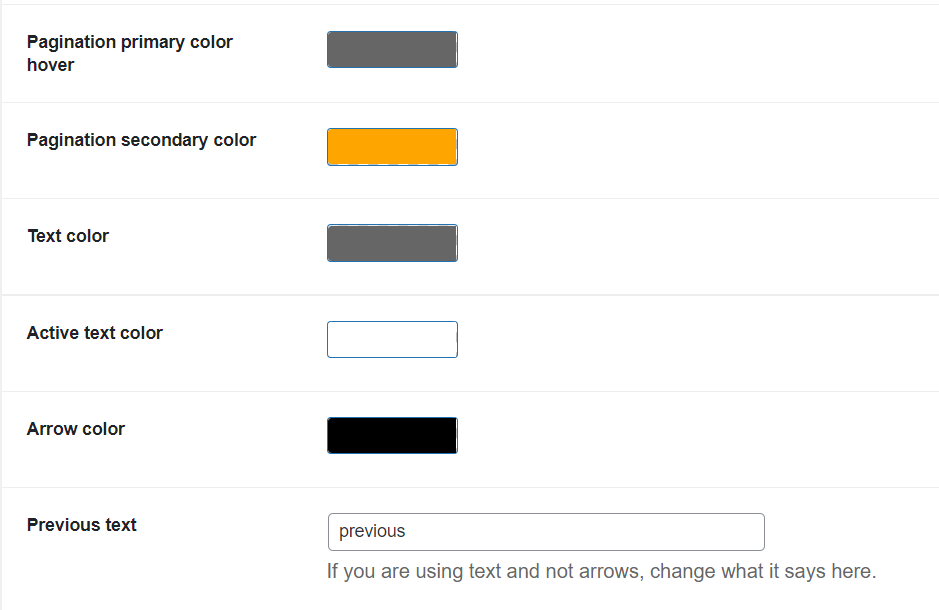
- Pagination primary colour hover: Select pagination primary colour on hover.
- Pagination secondary colour: Select pagination secondary colour.
- Text colour: Select text colour.
- Active text colour: Select active text colour.
- Arrow colour: Select the arrow colour if you have chosen the arrow.
- Previous text: Write the previous text colour if you have selected the text.
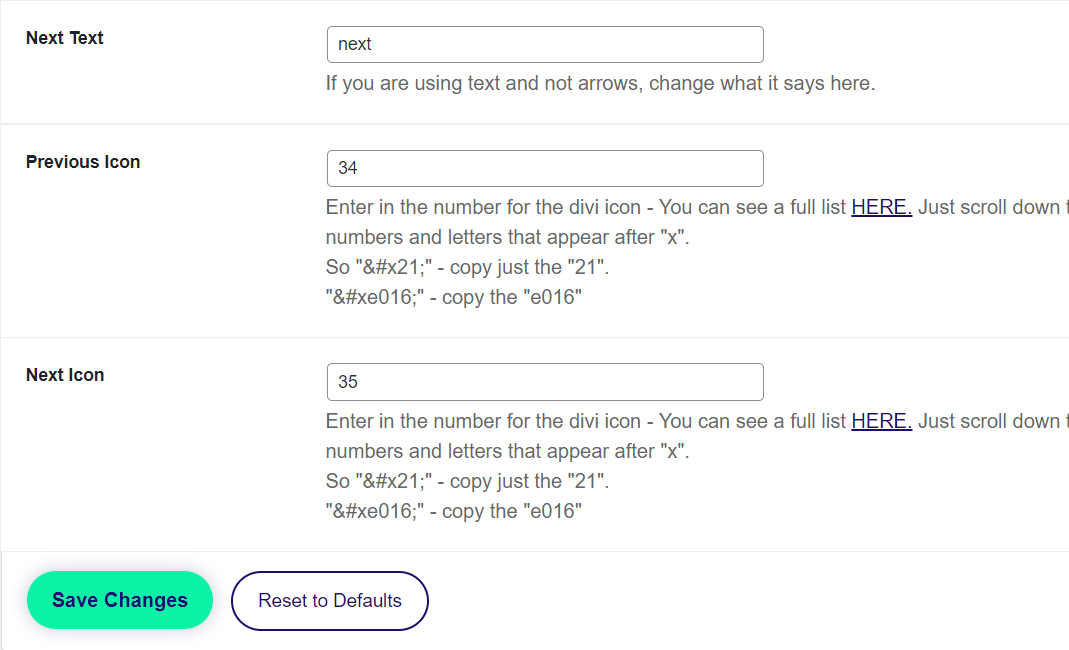
- Next Text: Write the next text colour if you have selected the text.
- Previous Icon: Select the previous icon shape at the link provided.
- Next Icon: Select the next icon shape at the link provided.
Example
Below is an example of what your pagination could look like. Click HERE to view. Below are the settings that create this pagination.