Welcome to Divi Machine Accounts
Welcome video
Prepare your website
- Use a staging copy of the site while you build the account area.
- Install Divi Machine before you rely on account loops or saved lists.
- Flush permalinks: Settings → Permalinks → Save Changes, even if you keep the default account slug. Save a second time if
/account/is still a 404. - If you use caching, exclude logged-in users while you test login, registration, and wishlists.
Follow the docs
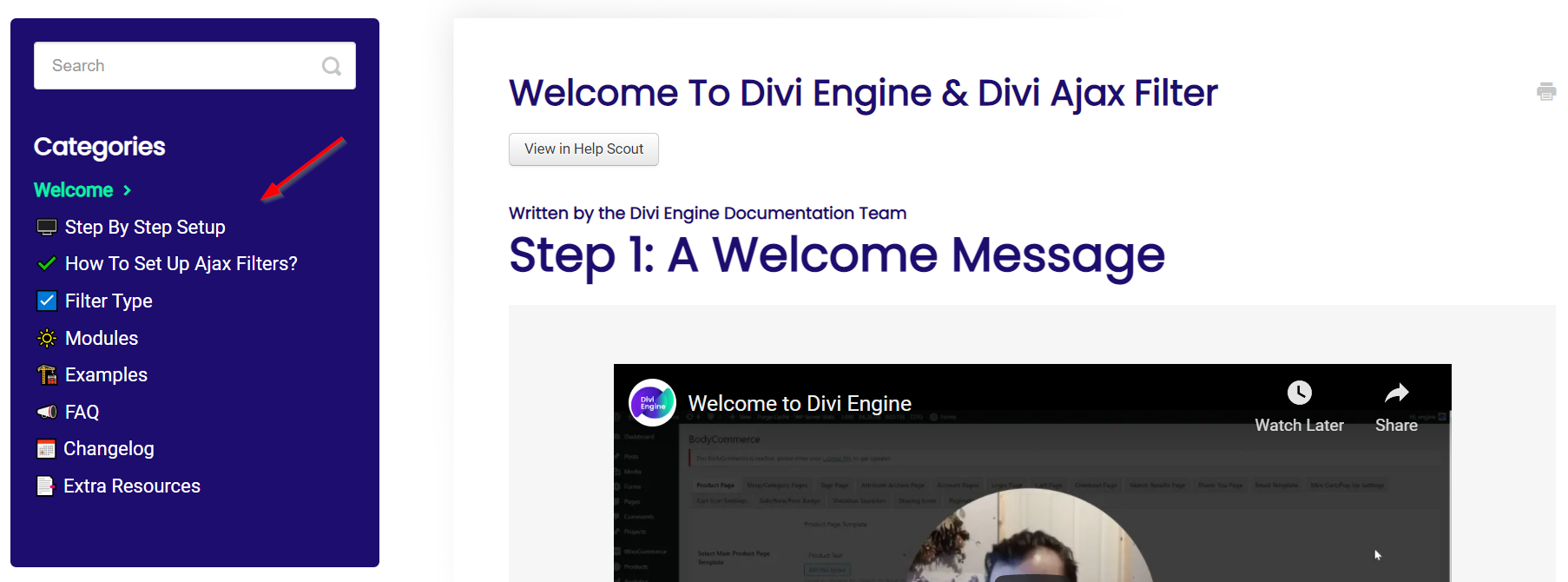
- Overview — Product capabilities and the documentation map.
- Installation — Download, upload, and license Divi Machine Accounts.
- Quick start — Account URL, the layouts, and a front-end preview.
- Modules — Login, register, navigation, wishlist, and the Divi 5 account modules.
Video walkthroughs are on the Divi Engine YouTube channel.
Updates
Test plugin and Divi updates on staging before you update the live site. When Divi 5 is enabled, stock account layouts are upgraded automatically. Open custom Divi 4 layouts in the Divi 5 Visual Builder to convert their module settings; there is no separate Accounts migration tool.