Custom Endpoints
Create the account post the same way on Divi 5 and Divi 4. Design it in the Visual Builder you are using. Acc Navigation lists the new page automatically.
An endpoint is another Account post. Its title is the navigation button. Its slug is the URL under the account area, for example /account/orders/ when the post slug is orders.
The navigation, dashboard, and login posts are not extra buttons. Everything else is, with three exceptions that stay hidden until you turn the feature on: Notifications, Messages, and Search Alerts. Publishing those layouts is not enough. Profile and pages you create yourself stay in the menu. See Acc Navigation.
Add a page
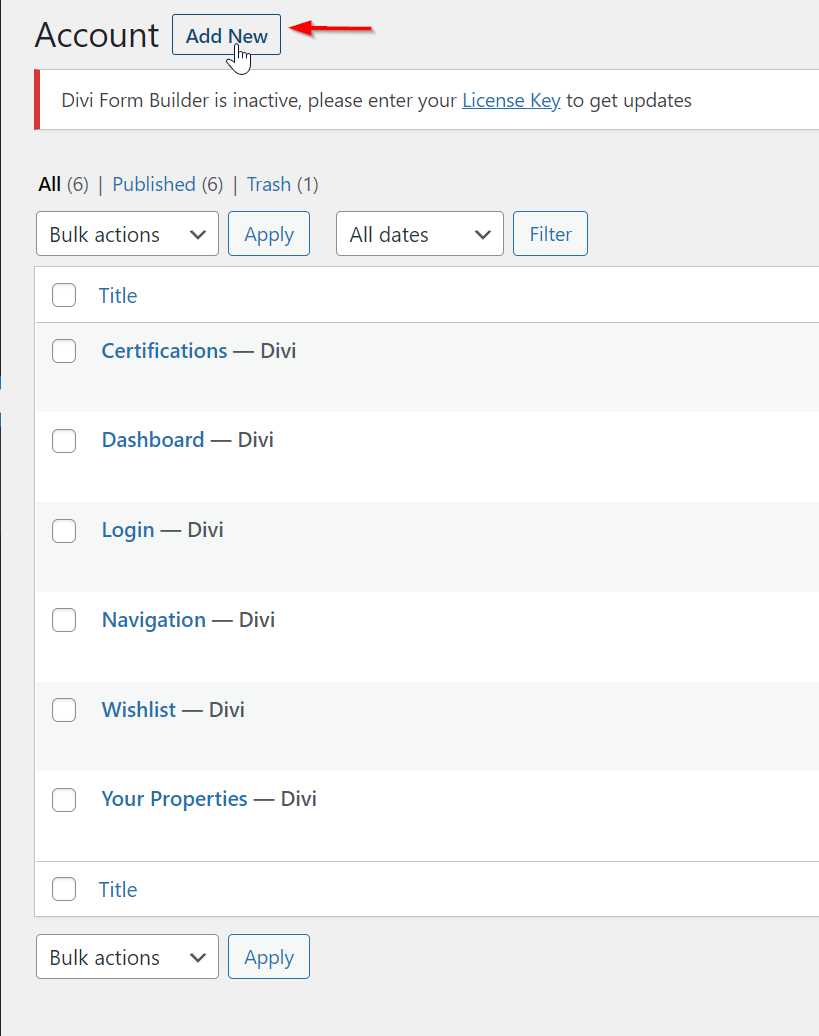
- In WordPress admin, go to Account and click Add New.
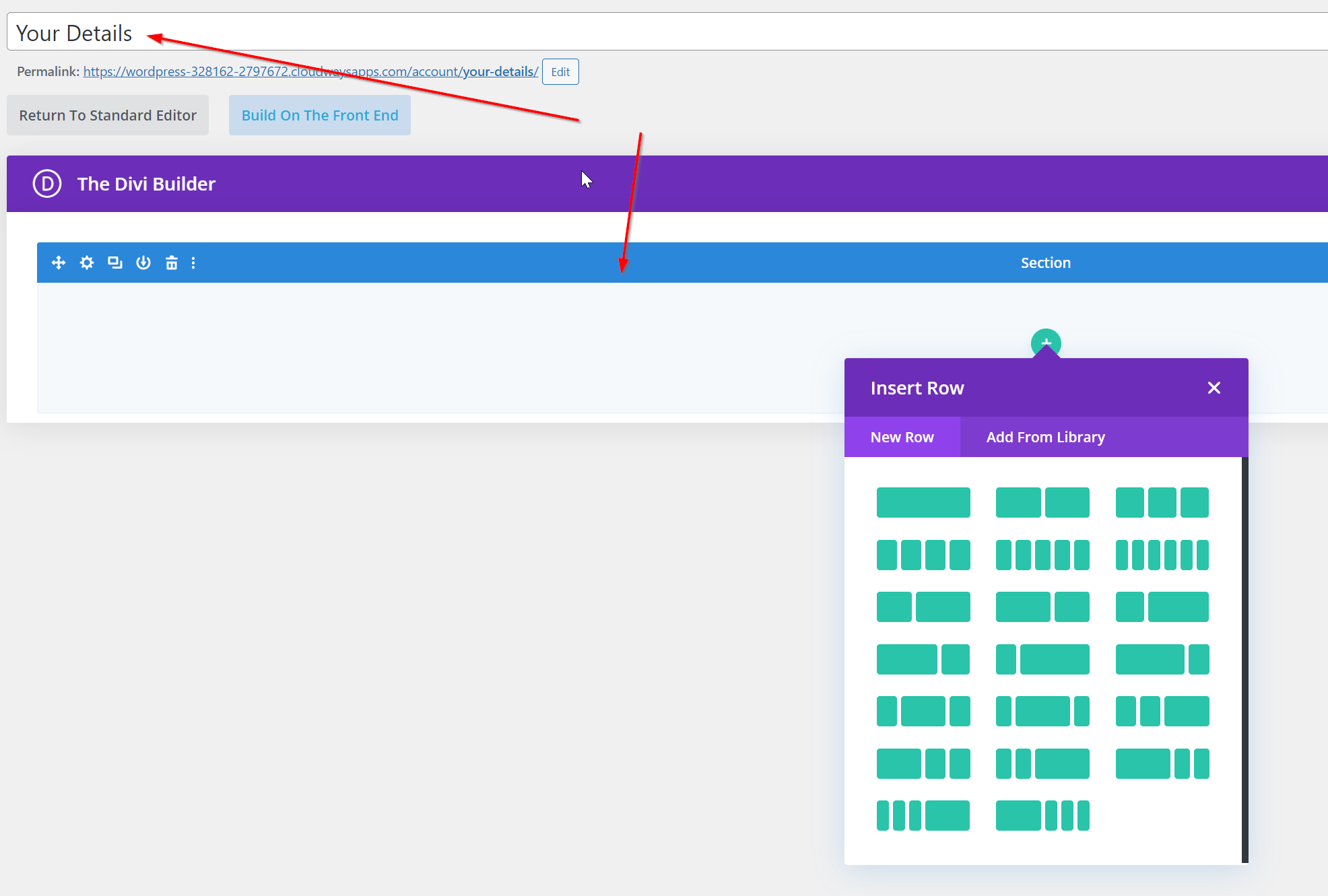
- Enter the name visitors should see on the button.
- Build the page with the Visual Builder and add the modules you need.
- Publish the post.
- Open the account area while logged in. The new title appears in Acc Navigation.
You do not add the page in Layout settings. Those three dropdowns stay on navigation, dashboard, and login.
What's next
- Acc Navigation — Button and active-button styles.
- Display the current user's posts — A common module to put on a new account page.