Account Design
The Account Design tab is at WordPress Admin → Divi Engine → Divi Membership → Account Design. Settings are grouped in UI tabs: Navigation, Content, Tables, Inputs, Buttons.
Navigation
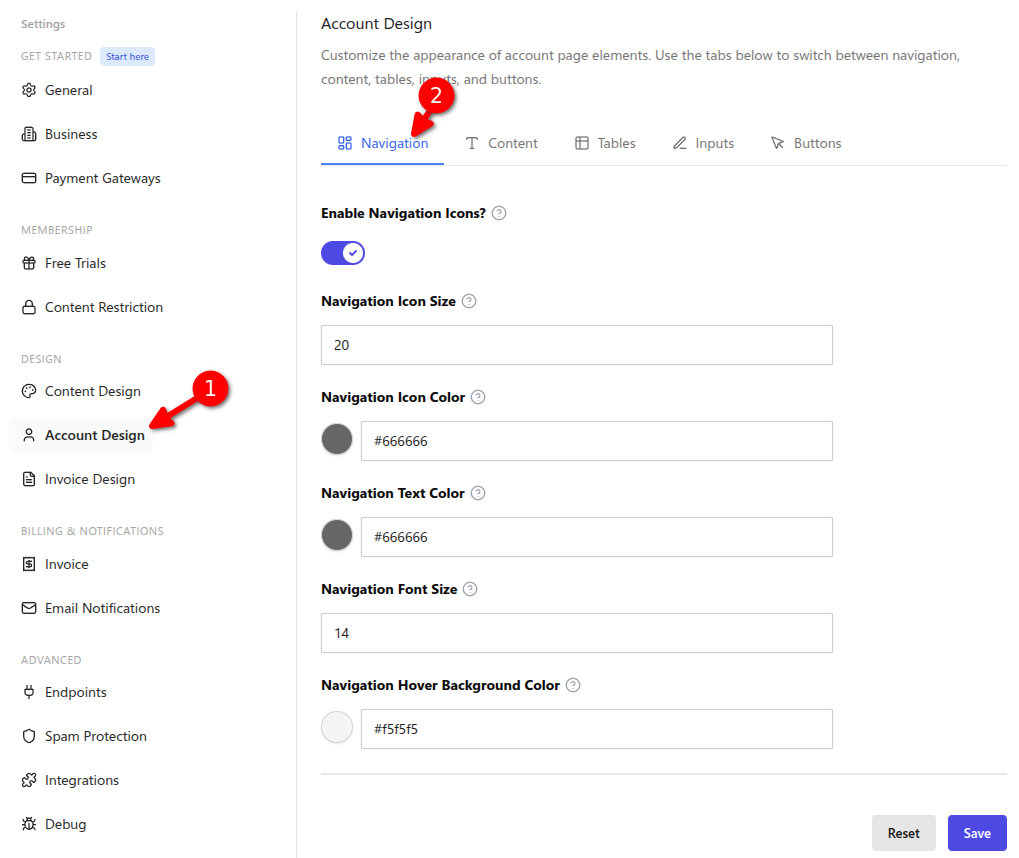
| Setting | Type | Default | What it does |
|---|---|---|---|
| Enable Navigation Icons? | Toggle | on | Show or hide icons in the account navigation. |
| Navigation Icon Size | Number | 20 | Size of navigation icons (shown when icons are enabled). |
| Navigation Icon Color | Color | #666666 | Color of navigation icons. |
| Navigation Text Color | Color | #666666 | Color of navigation text. |
| Navigation Font Size | Number | 14 | Font size of navigation text. |
| Navigation Hover Background Color | Color | #f5f5f5 | Background on hover for navigation items. |
Content
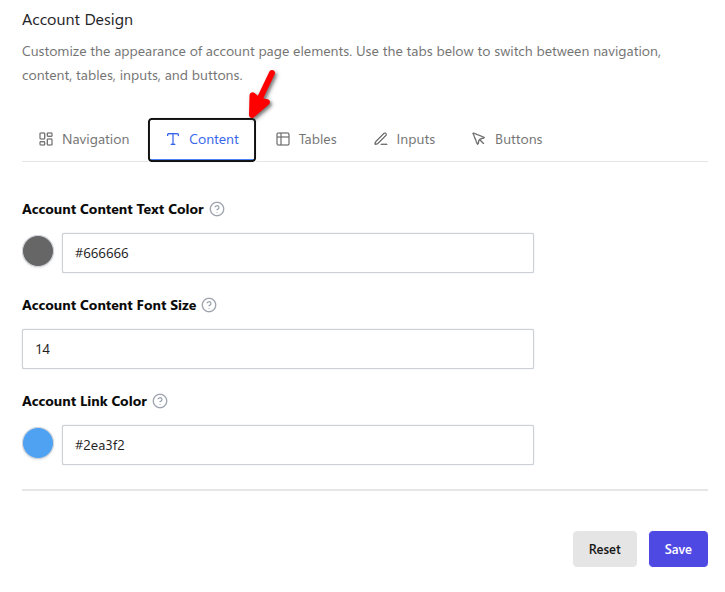
| Setting | Type | Default | What it does |
|---|---|---|---|
| Account Content Text Color | Color | #666666 | Text color for account page content. |
| Account Content Font Size | Number | 14 | Font size for account content. |
| Account Link Color | Color | #2ea3f2 | Color for links on the account page. |
Tables
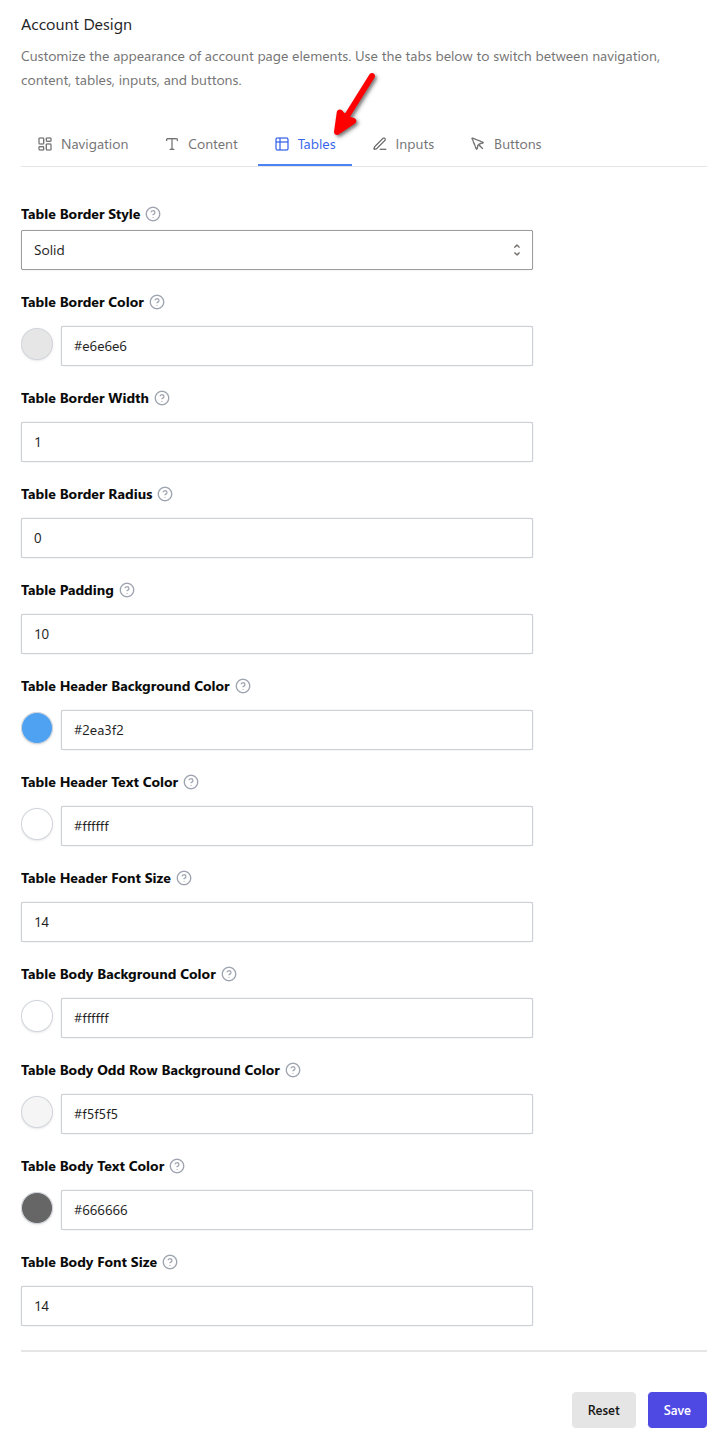
| Setting | Type | Default | What it does |
|---|---|---|---|
| Table Border Style | Select | solid | Border style for account tables. |
| Table Border Color | Color | #e6e6e6 | Table border color. |
| Table Border Width | Text | 1 | Table border width. |
| Table Border Radius | Text | 0 | Table border radius. |
| Table Padding | Text | 10 | Table cell padding. |
| Table Header Background Color | Color | #2ea3f2 | Header row background. |
| Table Header Text Color | Color | #ffffff | Header text color. |
| Table Header Font Size | Text | 14 | Header font size. |
| Table Body Background Color | Color | #ffffff | Table body background. |
| Table Body Odd Row Background Color | Color | #f5f5f5 | Alternating row background. |
| Table Body Text Color | Color | #666666 | Table body text color. |
| Table Body Font Size | Text | 14 | Table body font size. |
Inputs
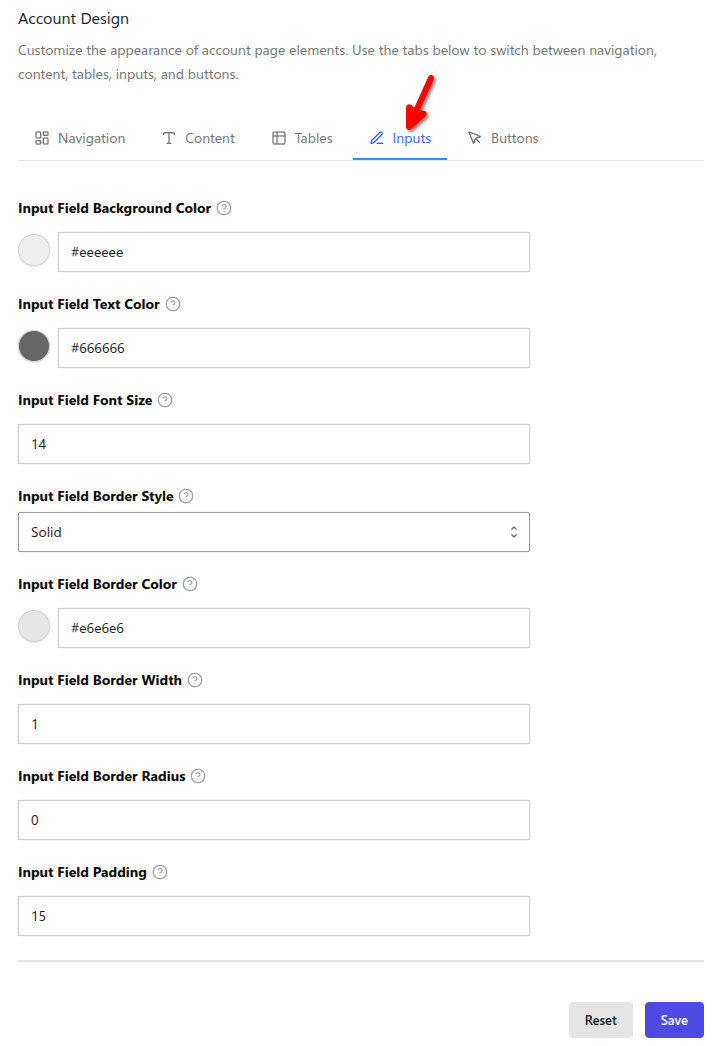
| Setting | Type | Default | What it does |
|---|---|---|---|
| Input Field Background Color | Color | #eeeeee | Input background. |
| Input Field Text Color | Color | #666666 | Input text color. |
| Input Field Font Size | Text | 14 | Input font size. |
| Input Field Border Style | Select | solid | Input border style. |
| Input Field Border Color | Color | #e6e6e6 | Input border color. |
| Input Field Border Width | Text | 1 | Input border width. |
| Input Field Border Radius | Text | 0 | Input border radius. |
| Input Field Padding | Text | 15 | Input padding. |
Buttons
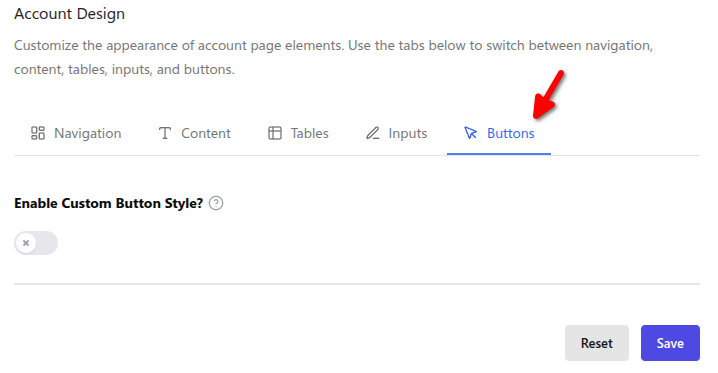
| Setting | Type | Default | What it does |
|---|---|---|---|
| Enable Custom Button Style | Toggle | off | When on, the button options below are applied. |
| Button Background Color | Color | #2ea3f2 | Button background. |
| Button Text Color | Color | #ffffff | Button text color. |
| Button Font Size | Text | 14 | Button font size. |
| Enable Button Border | Toggle | off | When on, button border options apply. |
| Button Border Style | Select | solid | Button border style. |
| Button Border Color | Color | #2ea3f2 | Button border color. |
| Button Border Width | Text | 1 | Button border width. |
| Button Border Radius | Text | 0 | Button border radius. |
| Button Padding Left/Right/Top/Bottom | Text | 20, 20, 15, 15 | Button padding. |
| Button Hover Background Color | Color | #23527c | Hover background. |
| Button Hover Text Color | Color | #ffffff | Hover text color. |
| Button Hover Border Color | Color | #23527c | Hover border color. |
What's Next
- Content Design — Restricted content message styling.
- Invoice Design — Invoice colors.
- Account page — How the account page works.
- Settings overview — Where to find each section.