Member Management
Purpose and when to use
Member management is the admin-side view of everyone with an active membership. Use it to see who is a member, open their profile or subscription, and (with Bulk Assign) add free users to a free membership without them going through the signup form.
You cannot bulk assign users to paid memberships. Paid plans require a payment link to Stripe or PayPal, which is only created when someone completes the Register or Signup Form module (payment and subscription are created together). Use Bulk Assign only for free memberships. To add members to a paid plan, they must sign up or register through the front-end form.
Members list
- Go to Divi Membership → Members.
- The page lists all users with an active membership. From each row you can quickly open the User Profile, Membership, or Subscription.
Bulk Assign
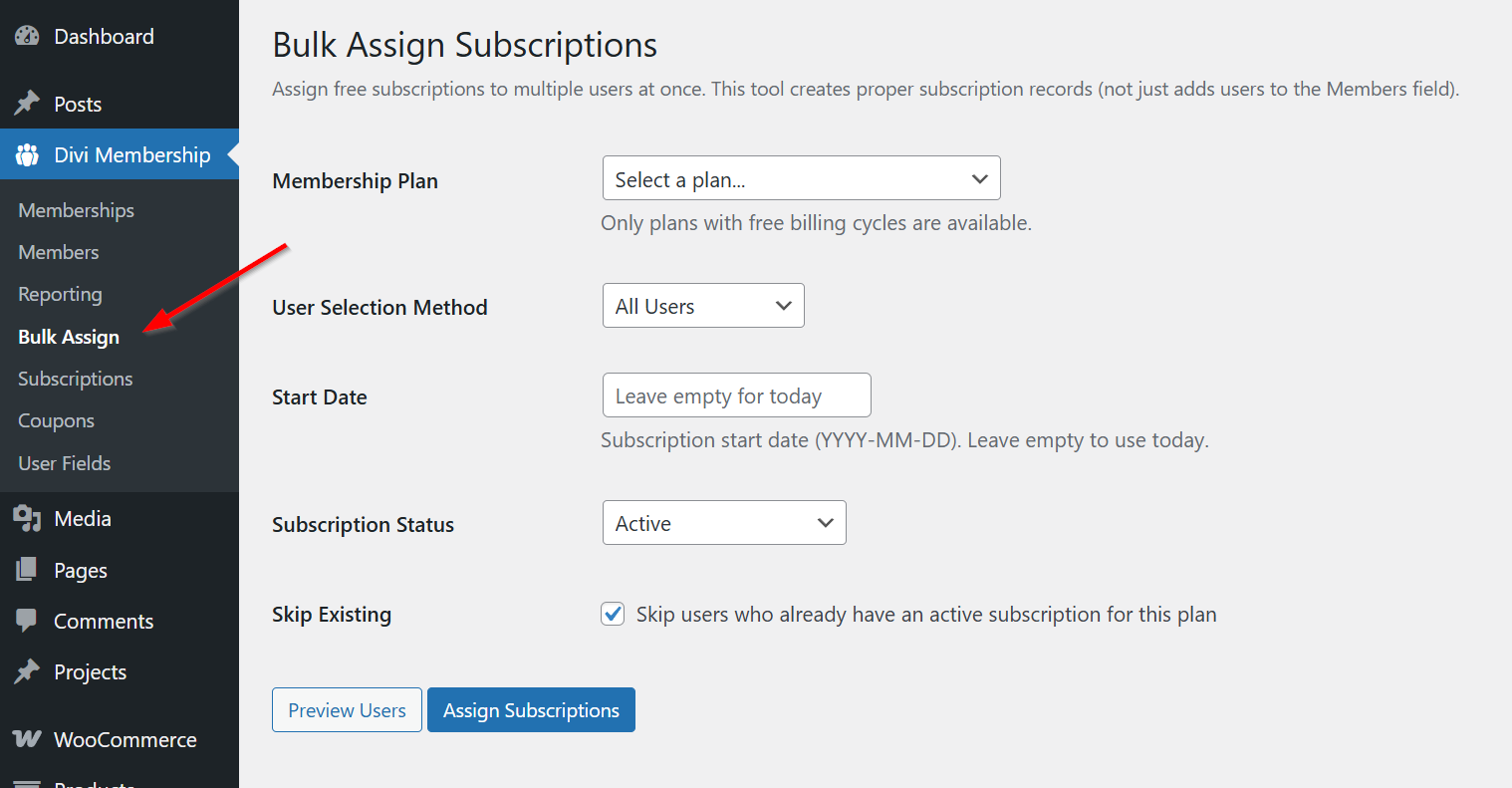
Divi Membership → Bulk Assign lets you add existing users to a free membership plan. Select users and assign them to the plan in bulk so they gain access without going through the signup form. This is useful for migrating users, comp accounts, or manual onboarding. Remember: only free plans can be assigned this way; paid plans require signup or registration so Stripe or PayPal can create the subscription.
User fields
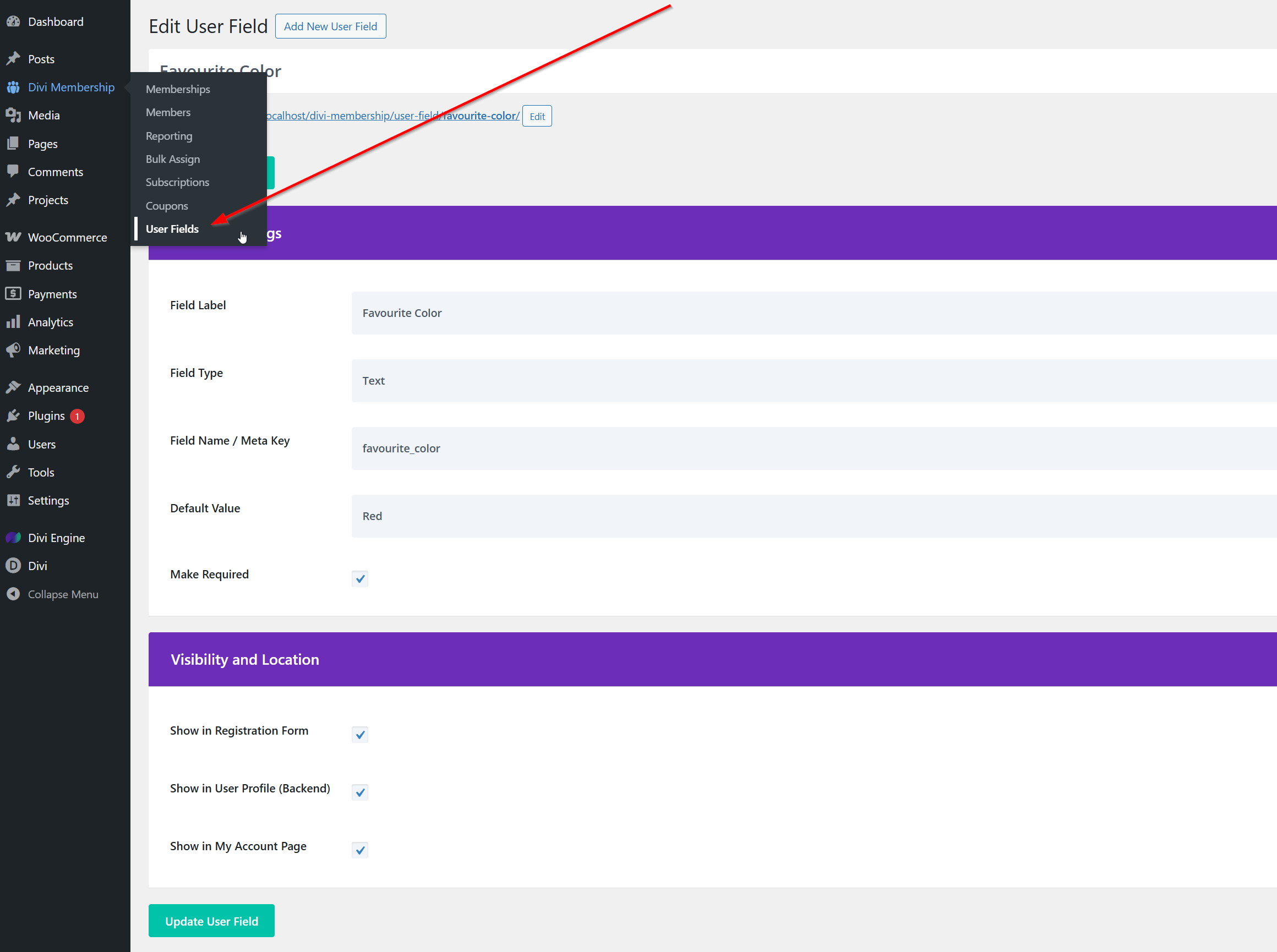
If you use User Fields (custom fields for member profiles), configure them in the plugin and display them with the User Item module or in the account area as documented in your version. Member management lists members; user field data appears on their profile and in modules that support it.
What's Next
- Subscription management — Cancel, refund, and view trial status per subscription.
- User List module — Display a list of members or users on the front end.
- Account page — What members see and can do in their account.